
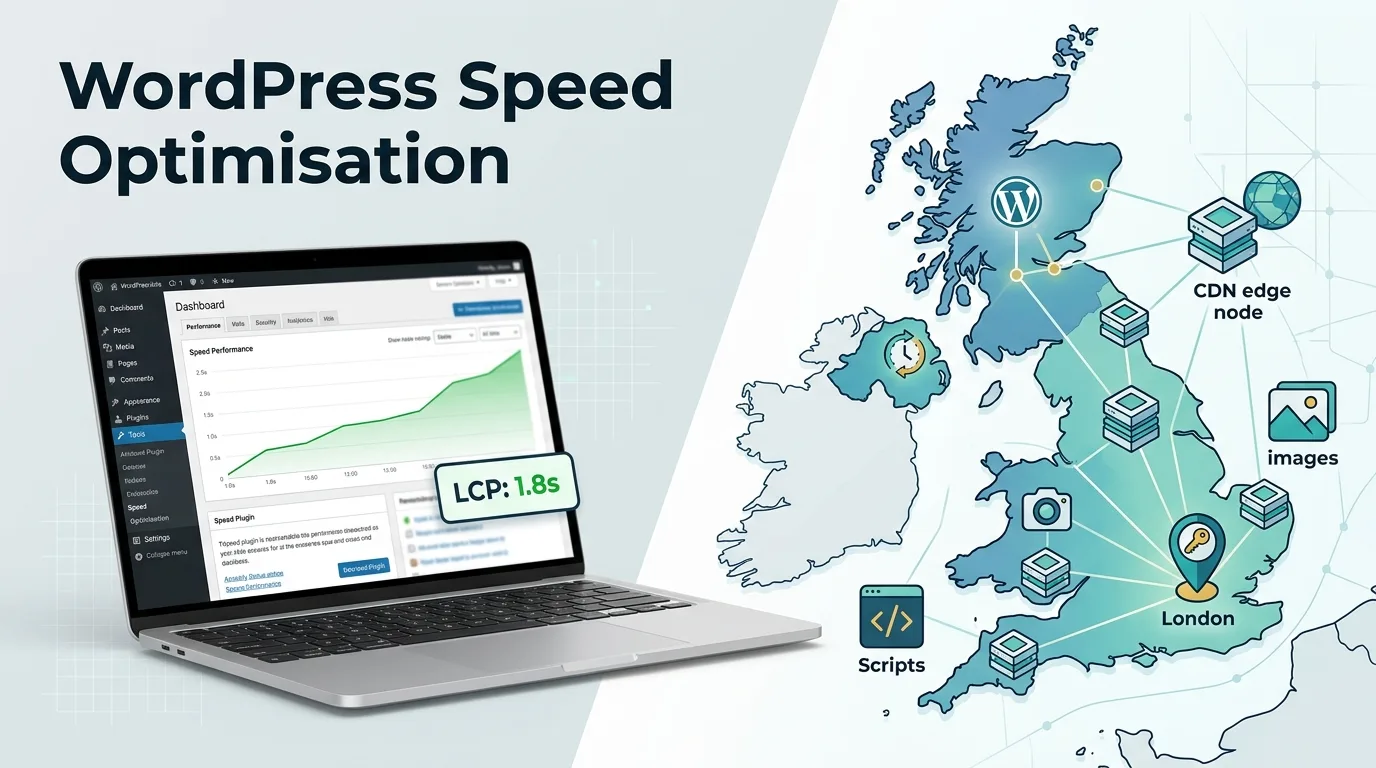
WordPress speed optimisation starts with fixing the issues that affect real visitors, such as slow hosting, missing caching, oversized images, and render blocking scripts. For most UK sites, the biggest LCP gains come from fast UK hosting, full page caching, and properly prioritising the main hero image.
A faster site is not about chasing a perfect PageSpeed score. It is about making the page useful quickly, especially on mobile connections and during busy periods.
What Actually Moves LCP?
| Fix | What it improves | When it matters most |
|---|---|---|
| UK or nearby hosting | Server response time and time to first byte | UK focused sites, WooCommerce, logged in users |
| Full page caching | Repeated page loads and server workload | Blogs, landing pages, most content pages |
| LCP image optimisation | The largest visible image on first load | Homepages, service pages, blog posts |
| CDN | Static asset delivery distance | UK sites with UK and international visitors |
| Script control | Render blocking and main thread work | Sites with many plugins, trackers, or page builders |
LCP, or Largest Contentful Paint, measures how quickly the largest visible element appears. On a typical WordPress page, that is often a hero image, featured image, large heading, or video poster. A good target is 2.5 seconds or less for at least 75% of page loads.
Start With Real Data, Not Guesses
Before changing anything, find out what is actually slow.
Use PageSpeed Insights, Chrome User Experience Report data, and Google Search Console’s Core Web Vitals report. Lab tools are useful for testing, but field data shows what real visitors experience.
Check these three things first.
| Metric | What it tells you | Good threshold |
|---|---|---|
| LCP | How quickly the main content appears. | 2.5 seconds or less |
| INP | How quickly the page responds when someone taps or clicks. | 200 milliseconds or less |
| CLS | Whether the layout jumps while loading. | 0.1 or less |
In practice, the most common mistake is installing five optimisation plugins before identifying the problem. That can add overhead, create conflicts, and make it harder to see what improved.
If the slowdown started after a new theme or rebuild went live, it may also explain why rankings dropped after a website redesign.
UK Hosting: Does Server Location Matter?
Yes, but not in the way many people assume.
For a UK focused site, hosting in London or elsewhere in the UK can reduce network latency. That helps every request that must reach your origin server, including WordPress admin pages, WooCommerce cart actions, form submissions, and logged in sessions.
A CDN can serve images, CSS, and JavaScript from an edge location near the visitor. But it cannot fully remove the round trip for dynamic WordPress requests. If your database, PHP processing, or checkout is slow, a CDN alone will not solve it.
So, for a UK business serving mainly UK customers, UK hosting plus a CDN is usually a sensible setup. If your audience is spread across Europe, a well connected European data centre with strong edge caching can also perform well.
What Good WordPress Hosting Looks Like
Hosting matters more than most plugin settings.
Look for these features.
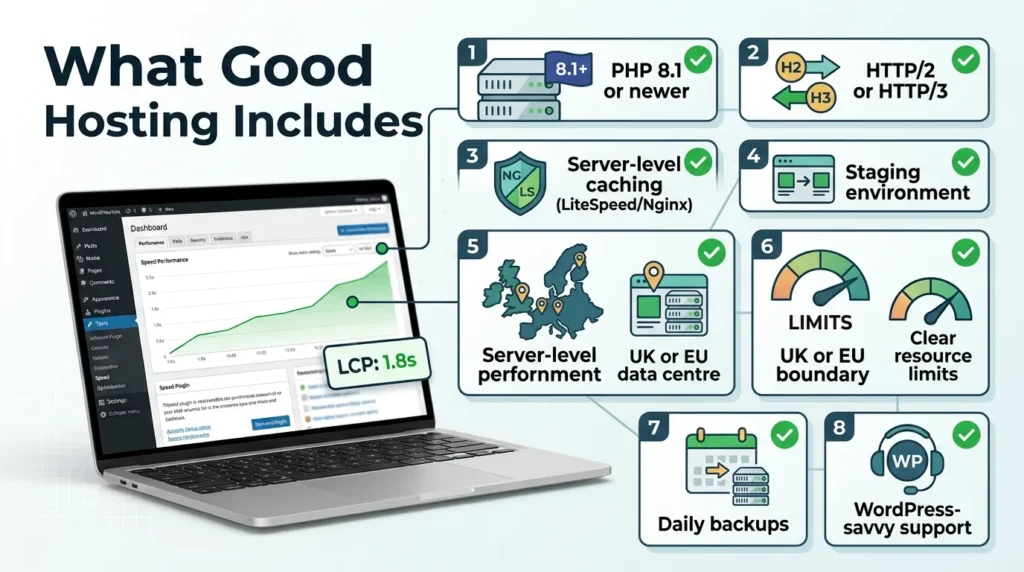
- PHP 8.3 or newer, which WordPress currently recommends
- HTTP/2 or HTTP/3 support
- Server level caching, such as LiteSpeed, Nginx FastCGI cache, or similar
- Separate staging environment
- Reliable UK or European data centre
- Clear resource limits
- Daily backups and easy restores
- Support that understands WordPress
Shared hosting can work for a small brochure site. But a busy WooCommerce store, membership site, or content heavy publisher may need more resources.
If your time to first byte stays above 600ms even with caching enabled, the hosting or server configuration is often the bottleneck. That is a better signal than a PageSpeed score alone.
Caching: The Fastest Win for Most Sites
Caching reduces the work WordPress has to do on every visit.
Without caching, WordPress may load PHP, query the database, assemble the page, and send it to the visitor each time. With full page caching, the finished HTML can be stored and served much faster.
There are four main types.
| Cache type | What it does |
|---|---|
| Page cache | Stores the generated HTML. |
| Browser cache | Lets repeat visitors reuse static files. |
| Object cache | Speeds up repeated database queries. |
| CDN cache | Stores static assets closer to users. |
For a simple WordPress site, page caching and browser caching usually deliver the biggest improvement. For WooCommerce, be careful not to cache cart, checkout, account, or personalised pages.
LiteSpeed Cache works well if your host runs LiteSpeed. WP Rocket, W3 Total Cache, and host level caching can also work well. The best choice depends on your server, theme, plugins, and whether you run WooCommerce.
What often gets missed is cache verification. Load a page twice, then check the response headers for a cache hit. If every request still shows a miss, the cache may not be working as expected.
The WordPress LCP Fix Most Sites Need
If your LCP element is an image, start there.
A large hero image can easily become the slowest part of the page. Resize it to the largest size it will actually display, compress it carefully, and serve it in a modern format such as WebP where supported.
Then make sure the browser prioritises it. For your main hero image, do the following.
- Do not lazy load it.
- Add
fetchpriority="high"where appropriate. - Use accurate width and height attributes.
- Avoid serving a huge desktop image to mobile visitors.
- Preload it only if you can preload the exact image URL the browser will use.
Lazy loading is useful for images further down the page. But applying it to the first visible image can delay LCP. That is a common WordPress theme and plugin issue.
Since WordPress 6.3, core tries to add fetchpriority="high" to the image it judges most likely to be the LCP element. Themes, page builders, and optimisation plugins can override that choice or apply it to the wrong image, so check the rendered HTML rather than assuming it is correct.
Images: Resize First, Then Compress
Image optimisation is not just compression.
A 4000 pixel wide image displayed at 1200 pixels wastes bandwidth. Resize it first, then compress the smaller version.
Use this order.
| Step | Action |
|---|---|
| 1 | Resize the image to its display width. |
| 2 | Convert photographs to WebP or AVIF where supported. |
| 3 | Compress without visible quality loss. |
| 4 | Use responsive image sizes. |
| 5 | Remove unused image sizes if your media library is cluttered. |
For logos, icons, and screenshots, PNG or WebP may be better than JPEG. For photographs, WebP is usually a strong default.
Do not compress the same JPEG repeatedly. Each save at a lower quality can reduce detail further.
Scripts, Plugins, and Render Blocking
WordPress sites often become slow because of what loads alongside the content.
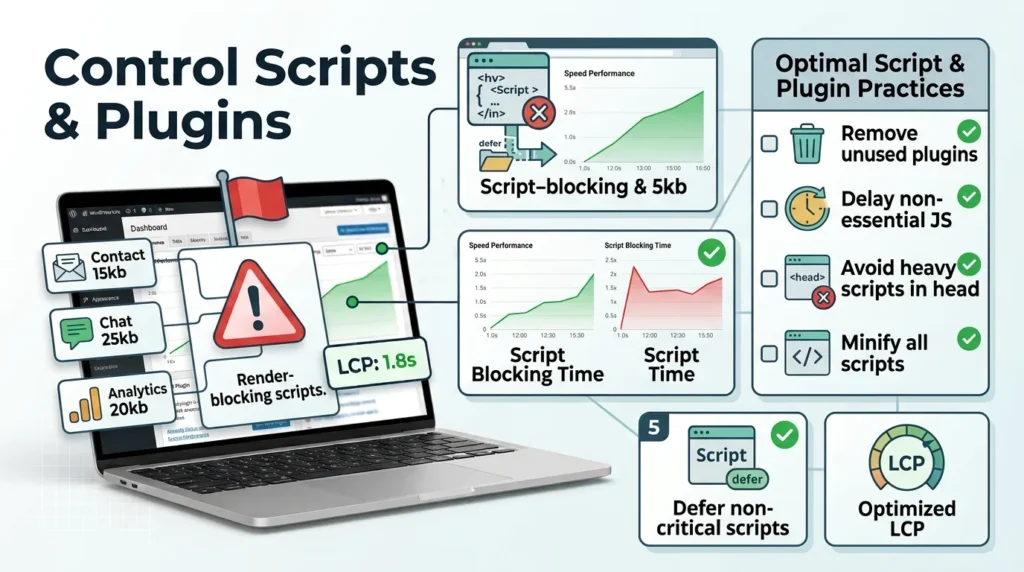
Every plugin can add CSS, JavaScript, database queries, or external requests. A contact form plugin, chat widget, analytics tool, slider, page builder, and marketing pixel can each affect performance.
Start with the obvious questions.
- Do you actually use every plugin?
- Can one plugin replace three?
- Are sliders necessary?
- Are chat widgets loading on every page?
- Are marketing scripts loading before they are needed?
- Is the page builder generating excessive CSS and JavaScript?
Delay non essential JavaScript where possible. Remove unused plugin assets on pages where they are not needed. Avoid loading heavy third party scripts in the document head.
But be careful. Aggressive script optimisation can break forms, sliders, checkout, or dynamic content. Test after every change, especially on WooCommerce and membership sites.
A Practical WordPress Speed Checklist
Use this order when optimising a UK WordPress site.
| Step | Action |
|---|---|
| 1 | Measure LCP, INP, and CLS using field data and PageSpeed Insights. |
| 2 | Identify the LCP element on your most important pages. |
| 3 | Check server response time with caching enabled. |
| 4 | Enable page and browser caching safely. |
| 5 | Resize and compress the LCP image. |
| 6 | Exclude the hero image from lazy loading. |
| 7 | Review hosting resources, PHP version, and server cache. |
| 8 | Audit plugins and remove unused assets. |
| 9 | Delay non critical JavaScript. |
| 10 | Add a CDN if you serve visitors across regions. |
| 11 | Test mobile performance, not just desktop. |
| 12 | Recheck Core Web Vitals after 28 days, as field data reflects a rolling 28 day period. |
When a CDN Helps, and When It Does Not
A CDN is useful when your visitors are spread across locations. It stores static assets closer to them, reducing distance and network delay.
| It helps most with | It helps less with |
|---|---|
| Images | Uncached dynamic pages |
| CSS | WooCommerce checkout |
| JavaScript | Logged in dashboards |
| Fonts | Database heavy queries |
| Static downloadable files | Slow PHP processing |
If all your visitors are in the UK and your origin server is in London, a CDN may still help with static assets. But it will not rescue a slow host, bloated theme, or overloaded database.
WooCommerce Needs Extra Care
WooCommerce sites have a harder job than a standard blog.
Cart pages, checkout, account pages, product filters, stock updates, and personalised offers cannot always be cached in the same way. A caching setup that works well on a blog can break a store if configured carelessly.
For WooCommerce, start with these steps.
- Cache product and category pages where appropriate.
- Exclude cart, checkout, and account pages.
- Use object caching for repeated database queries.
- Keep payment and booking scripts under control.
- Test the full customer journey after every optimisation.
A fast homepage is nice. A fast checkout is better.
How Webranko Can Help
If your WordPress site is slow despite caching and image compression, Webranko can review your hosting setup, caching configuration, Core Web Vitals data, and LCP elements through our website speed optimisation service. We work with UK businesses that need practical performance improvements without breaking their site. Speed work also sits inside our WordPress SEO services for UK businesses, alongside technical fixes and structured data.
For a WordPress performance review focused on your UK audience, contact Webranko, a UK SEO and web development agency, to discuss the next step.
FAQ
How can I speed up my WordPress site in the UK?
Start with UK or nearby hosting, full page caching, image optimisation, and careful control of scripts. Then add a CDN if you serve visitors across different regions.
Does UK hosting make WordPress faster?
For UK visitors, it often reduces latency because requests reach the server more quickly. A CDN helps static files, but dynamic WordPress requests still need a fast origin server.
What is LCP in WordPress?
LCP means Largest Contentful Paint. It measures how quickly the largest visible element, often a hero image or heading, appears on screen. Aim for 2.5 seconds or less for at least 75% of page loads.
Which WordPress caching plugin should I use?
Use the option that matches your hosting. LiteSpeed Cache is strong on LiteSpeed servers, while WP Rocket and W3 Total Cache work on many other setups. Host level caching can be even better.
Why is my WordPress site slow even with caching?
Common reasons include slow hosting, an oversized LCP image, render blocking scripts, too many plugins, database bottlenecks, or caching that is not actually hitting. Diagnose before adding more tools.
How do I fix a slow LCP image in WordPress?
Resize it to its display size, compress it, serve it in WebP where supported, avoid lazy loading it, and check that it carries fetchpriority="high". Make sure any preload matches the exact image URL used on the page.
Closing Thought
WordPress speed optimisation works best when you fix causes in order, rather than installing every plugin you find.
For most UK sites, the sequence is simple. Measure real performance, host close to your audience, cache properly, optimise the LCP image, and reduce unnecessary scripts. Do that, and you will usually see better Core Web Vitals without turning your website into a fragile collection of speed plugins.

Be the first to leave a comment below.