In-Depth Guide
The Complete Guide to SEO Services
Our specialists have written a comprehensive guide covering strategy, best practices, and the exact approaches we use for our clients.
The Problem With Most WordPress SEO Work in the UK
If you are running a WordPress site and your organic rankings are not where they should be, there is a reasonable chance the problem is not your content or your backlinks. It is the platform itself, or more precisely, how it has been configured.
WordPress is the most widely used CMS in the world, and that ubiquity comes with a specific problem. Because everyone uses it, most agencies treat WordPress SEO as a commodity service. Install RankMath or Yoast, tick the settings boxes, write a few optimised posts and charge a monthly retainer for it. The reality of professional WordPress SEO services is considerably more involved than that.
Webranko works with WordPress sites across the UK, from small business brochure sites to large WooCommerce stores, and the same platform-specific problems appear across all of them. Plugin conflicts generating duplicate schema. Permalink structures diluting category authority. Page builders introducing render-blocking resources that no SEO plugin can compensate for. Caching configurations that interfere with crawl directives in ways that take months to surface in ranking data. These are the issues a professional WordPress SEO service has to address. Not just the ones a plugin dashboard flags.
What Makes WordPress SEO Different From General SEO
The Platform Creates Specific Technical Problems
WordPress is enormously flexible, and that flexibility is precisely what creates its SEO complexity. The same theme framework, plugin stack and hosting environment that work perfectly for one site can quietly suppress rankings on another depending on how they interact with each other.
The most common WordPress-specific SEO problems we find across UK client sites are not the ones that show up clearly in a standard audit tool. They are the subtle ones. A caching plugin configured to serve stale pages to Googlebot while serving fresh content to users, creating a crawl consistency problem that gradually distorts how Google indexes the site. A page builder generating duplicate heading structures that confuse keyword targeting at the page level. An SSL configuration that correctly redirects www to non-www for users but fails to do so consistently for crawlers, creating soft duplicate content signals across hundreds of pages.
These issues do not trigger obvious error alerts. They just quietly cost you rankings over time.
RankMath and Yoast Are Tools, Not Strategies
This is worth saying clearly because a lot of UK businesses come to us having been told their WordPress SEO is sorted because they have RankMath or Yoast installed and configured.
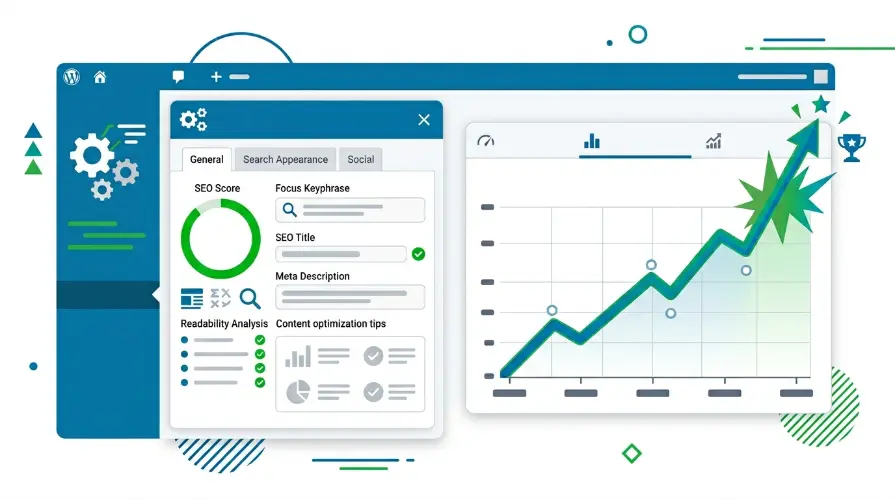
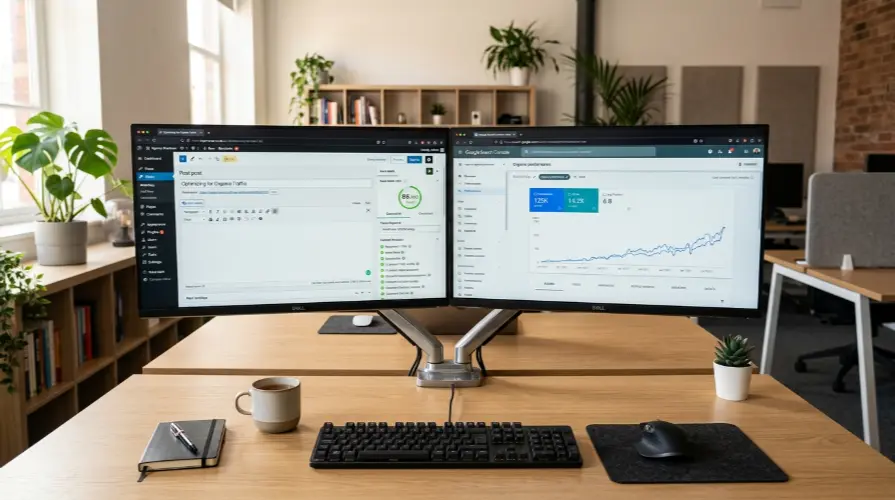
Both are excellent plugins. Webranko uses RankMath on our own sites and on client builds. But a plugin is a tool for implementing an SEO strategy. It is not the strategy itself. RankMath can generate your XML sitemap, manage your title tag templates and add schema markup to your pages. What it cannot do is decide which keywords each page should target, identify cannibalisation between your service pages, fix the crawl budget problem created by your tag archives or tell you that your internal linking structure is passing authority to pages that do not need it.
That is the work a proper WordPress SEO service does. The plugin is just where some of the outputs get implemented.
The WordPress Speed and SEO Problem UK Sites Keep Ignoring
Core Web Vitals on WordPress Are a Technical Discipline
Page speed is not a nice-to-have in 2026. Core Web Vitals are a confirmed Google ranking signal, and WordPress sites, particularly those built on heavyweight themes or page builders, consistently underperform on them without specific technical intervention.
We reviewed a professional services site based in Birmingham that had been running a WordPress SEO retainer for eight months with no meaningful ranking movement. The content was well optimised. The RankMath configuration was solid. The problem was a Largest Contentful Paint score of 6.2 seconds on mobile caused by a combination of render-blocking scripts from an outdated slider plugin and unoptimised hero images being served without WebP conversion or lazy loading.
Those two issues alone were suppressing the site’s competitive ranking potential on every page. Fixing them brought the mobile LCP down to 2.1 seconds. Within ten weeks the site had moved from page three to page one on its two primary commercial terms.
What Proper WordPress Speed Optimisation Actually Involves
Telling a client to install WP Rocket is not WordPress speed optimisation. It is a starting point. Genuine page speed optimisation for a WordPress site requires a full performance audit at the server and code level covering the hosting environment and PHP version; image delivery pipeline, including format, compression and lazy loading; CSS and JavaScript delivery with proper defer and async handling; database query optimisation for sites with large content libraries; and caching configuration that serves correctly to both users and crawlers.
Webranko handles all of this as part of a WordPress SEO engagement because speed and SEO cannot be separated on a WordPress site. They are the same problem.
WordPress Content Strategy and Keyword Architecture
Most WordPress Sites Have a Cannibalisation Problem They Do Not Know About
WordPress makes it easy to create content. Category pages, tag archives, author pages, date archives, custom post type archives, individual posts and pages. All of it is potentially indexable, and all of it is potentially competing with itself for the same search terms if there is no deliberate architecture behind it.
Cannibalisation is one of the most consistent findings across WordPress SEO audits. A blog category page and an individual service page both targeting the same keyword. A tag archive generating a near-duplicate of a pillar page. An author archive being indexed and crawled when it has no commercial value and no keyword target. Each of these dilutes the authority of the pages that are supposed to be doing the ranking work.
Fixing this requires a combination of technical decisions around indexation and canonical tags and strategic decisions around which pages own which keyword territories. That is not something a plugin setting resolves on its own.
Internal Linking on WordPress Sites
WordPress’s natural content structure, posts nested inside categories with tag cross-references, creates an internal linking environment that is rarely aligned with SEO priorities unless it is deliberately managed.
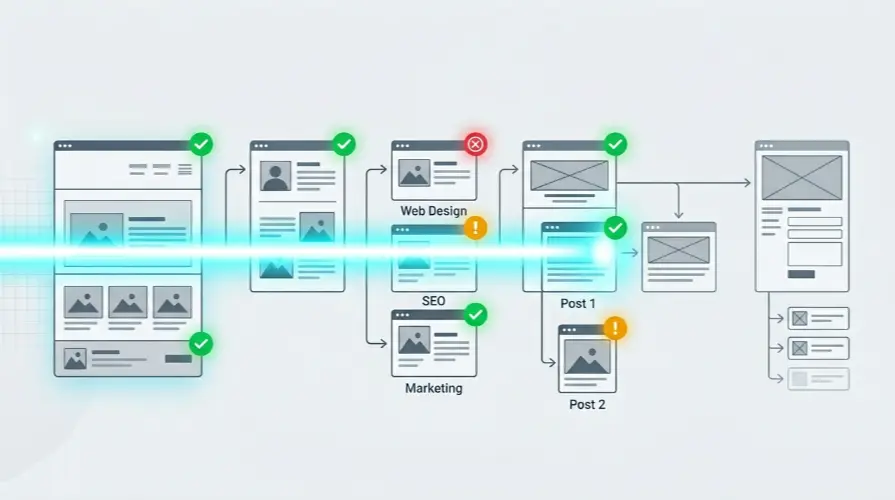
Most WordPress sites we audit have internal linking that reflects how the site was built rather than how authority should flow. Homepage links to recent posts rather than to the highest-value service or category pages. Blog posts link to related posts but not to the commercial pages that need the authority signal. Footer links duplicate primary navigation without adding any structural value.
A proper WordPress content strategy includes a deliberate internal linking plan that routes authority from high-equity pages to the priority commercial pages that need it, using anchor text that reinforces keyword targeting without creating over-optimisation patterns.
WordPress Schema, Structured Data and Rich Results
Why Schema Conflicts Are So Common on WordPress
Schema markup is one of the areas where WordPress SEO gets genuinely complicated and where a lot of agency work quietly creates problems rather than solving them.
WordPress themes often output their own schema. Plugin stacks generate additional schema. RankMath or Yoast adds a third layer. The result, on sites where nobody has audited the schema output, is frequently multiple conflicting schema blocks on the same page telling Google contradictory things about the same content.
We have found WordPress sites with three separate organisation schema implementations on the homepage, each with different name, URL and logo values, because the theme, a business listing plugin and RankMath were all outputting independently without any of the three being aware of the others.
Google does not simply pick the one it prefers. It discounts all of them. The rich result eligibility that proper schema is supposed to create disappears entirely.
Webranko audits WordPress schema output at the code level, not just through the plugin interface, because the plugin settings panel only shows you what you have configured there. It does not show you what the theme and every other plugin are adding on top of it.
How Webranko Delivers WordPress SEO Services UK Businesses Actually Benefit From
The Audit Comes First
Every WordPress SEO engagement at Webranko starts with a full platform-specific audit. Not a standard technical SEO audit applied generically but a WordPress-specific diagnostic that looks at how this particular installation, with this particular theme, plugin stack and hosting environment, is performing and what it is doing that is quietly costing rankings.
We crawl the site; audit the schema output at the code level; review the plugin configuration, including conflicts between plugins handling overlapping functions; assess Core Web Vitals at the page type level; and map the full internal linking structure against the keyword architecture. We also review the permalink structure because it is one of the most consistently misconfigured elements on UK WordPress sites and one of the most damaging when it is wrong.
Implementation That Does Not Break the Site
WordPress SEO changes have to be implemented carefully. Permalink structure changes require proper redirect mapping or the site loses all existing link equity. Schema changes require deactivating conflicting outputs from themes and other plugins before adding new ones. Caching configuration changes need to be tested in a staging environment before deployment because they interact with hosting-level caching in ways that can produce unexpected behaviour on live sites.
Webranko handles WordPress SEO implementation with the same care as a development project because on a WordPress site it is a development project. We test in staging, document every change and roll out in a sequence that minimises risk to existing rankings throughout the process.
Ongoing WordPress SEO Management
WordPress is a living platform. Core updates, plugin updates and theme updates all have the potential to introduce or reintroduce SEO issues that were previously resolved. A caching plugin update can reset crawl directives. A theme update can reintroduce schema output that was previously suppressed. A WooCommerce update can change URL structures on product pages.
Monthly WordPress SEO management includes monitoring for update-related regressions, tracking ranking movement across priority keywords, reviewing Search Console for new crawl errors and managing the content and link-building programme alongside the technical maintenance work.
What Our WordPress SEO Services Cover
| Service Component | What It Addresses |
|---|---|
| WordPress technical audit | Platform-specific crawl, schema, speed and configuration issues |
| RankMath or Yoast setup | Full plugin configuration aligned to your keyword architecture |
| Core Web Vitals optimization | Page speed, LCP, CLS and INP fixes at theme and server level |
| Permalink and architecture review | URL structure, category hierarchy and crawl budget management |
| Schema and structured data | Conflict audit, clean implementation, rich result eligibility |
| Content and keyword strategy | Cannibalisation mapping, internal linking plan, content calendar |
| Link building | Authority building at domain and priority page level |
| Monthly management | Update monitoring, ranking tracking, GSC review, reporting |
FAQ
How much do WordPress SEO services cost in the UK?
WordPress SEO services in the UK range from £500 to £2,500 or more per month depending on site complexity, the extent of technical issues and the scope of ongoing content and link-building work. Webranko scopes every engagement around your specific site and market rather than a fixed monthly package.
Does installing RankMath or Yoast mean my WordPress site is SEO-optimised?
No. Both are excellent tools for implementing SEO decisions, but they are not a strategy in themselves. Plugin configuration handles title tags, sitemaps and basic schema, but it does not fix speed problems, resolve cannibalisation, manage crawl budget or build the topical authority and backlink profile that competitive rankings require.
Why do WordPress sites have specific SEO problems other platforms do not?
WordPress generates multiple content types that are all indexable by default, including category archives, tag archives, author pages and date archives. Without deliberate configuration, this creates crawl budget waste and cannibalisation. The plugin ecosystem also creates schema conflicts and performance issues that require platform-specific knowledge to resolve correctly.
Can you fix my WordPress site speed as part of SEO work?
Yes. Core Web Vitals are a Google ranking signal, and WordPress speed issues directly affect organic performance. Webranko handles page speed optimisation, including image delivery, caching configuration, render-blocking resource management and server-level performance as part of every WordPress SEO engagement because the two cannot be separated.
Will changes to my WordPress SEO break anything on the site?
Not if the work is done properly. Webranko tests all significant changes in a staging environment before deploying to the live site. Permalink changes are accompanied by full redirect mapping. Schema changes are audited for conflicts before implementation. Every change is documented so it can be traced and reversed if needed.
How long does WordPress SEO take to show results in the UK?
Technical fixes typically show measurable movement in Google Search Console within 60 to 90 days. Ranking gains on competitive terms take three to six months depending on domain authority and competitor strength. Speed improvements can show faster movement because Core Web Vitals improvements affect every page on the site simultaneously rather than one page at a time.
WordPress is the most powerful CMS available for organic search when it is set up and managed properly. Most UK WordPress sites are nowhere near that potential. Webranko’s WordPress SEO service closes that gap systematically, starting with what is actually broken rather than what is easiest to report on.