In-Depth Guide
The Complete Guide to App Development
Our team has written a comprehensive guide covering technical specs, best practices, and the exact approaches we use on every project.
Mobile app development goes wrong most often before a single line of code is written. Ask around a startup meetup in Manchester or London and you’ll hear the same story with different names attached: a wrapped website submitted as an app, bounced back by Apple twice, budget already spent.
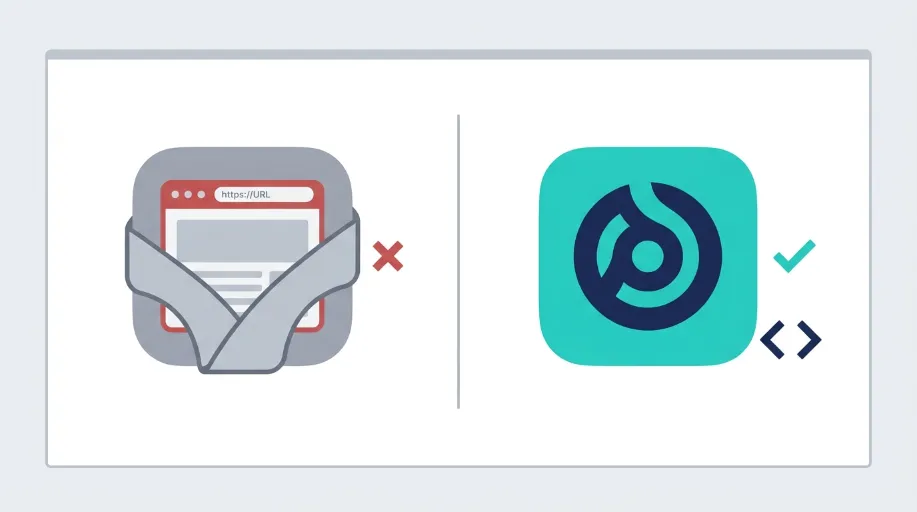
We see the aftermath of this fairly often. A business comes to us having already paid for what they were told was a mobile app, only to discover it was a website squeezed into a shell, incapable of doing half of what they actually needed.
Native App Development: The Direct Answer
Here’s what UK businesses need to know before starting a mobile app project.
| Question | Answer |
|---|---|
| What language is used for native iOS apps? | Swift, Apple’s native language built specifically for iOS performance and design |
| What language is used for native Android apps? | Kotlin, the modern standard for genuine Android development |
| Is a wrapped website the same as a native app? | No. Wrapped apps lack proper offline sync, reliable push notifications and native performance |
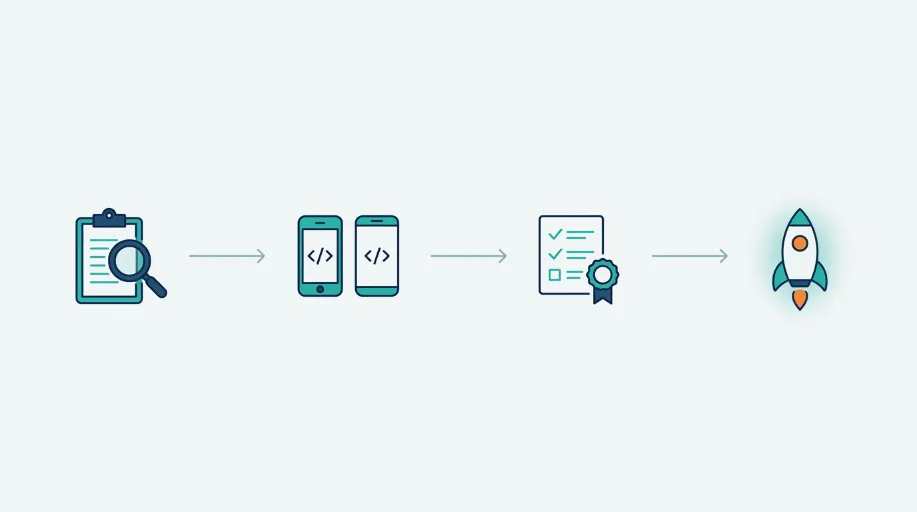
| How long does a native app take to build? | Around eight weeks for a typical MVP, from planning through to store submission |
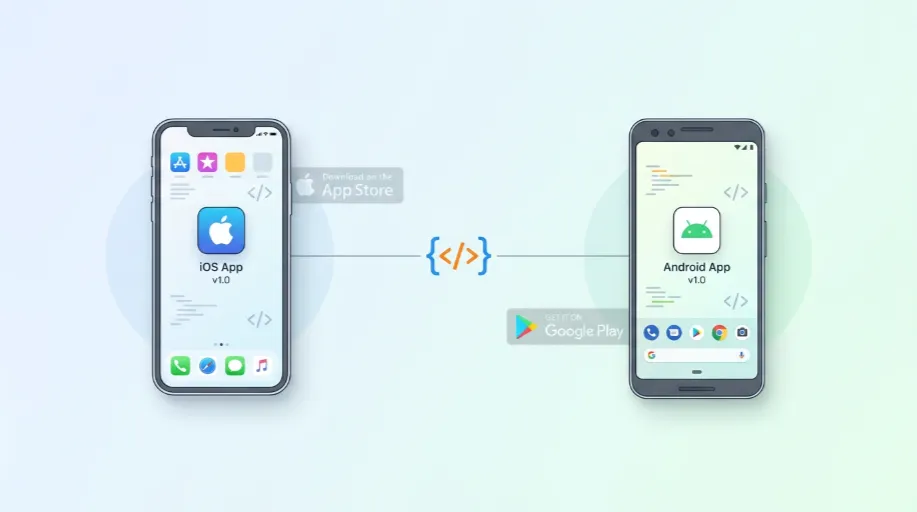
| Do I need separate iOS and Android builds? | Yes. Native development means building each platform separately for the best performance |
| Should I consider a PWA instead? | Sometimes, if deep device access and offline sync aren’t essential to what the app does |
That last point is worth taking seriously rather than skipping past. Not every idea needs a native app, and pretending otherwise wastes budget you could spend better elsewhere.
Why Wrapped Websites Keep Getting Rejected
In our testing and repeated client experience, wrapped website apps fail App Store review for fairly predictable reasons. Apple’s guidelines expect genuine native functionality, not a browser dressed up to look like something else.
We worked with a field services business based in the Northwest whose engineers needed an app to log site visits, often in areas with poor or no signal. Their previous developer had built a wrapped website version, and it fell over the moment connectivity dropped, since a website simply cannot store and sync data properly without a genuine native foundation underneath it. Rebuilding it in Swift gave them offline logging that actually worked, syncing automatically once a connection returned. It passed App Store review on the first submission too, something their original build never managed even once.
That’s the pattern worth understanding. A wrapped app might look identical to a native one in a screenshot. The moment a user tries to use it properly, offline, with push notifications, with camera access, the difference becomes obvious fast.
What Genuinely Native Development Involves
Building properly for iOS and Android separately means covering several things a shortcut simply cannot replicate.
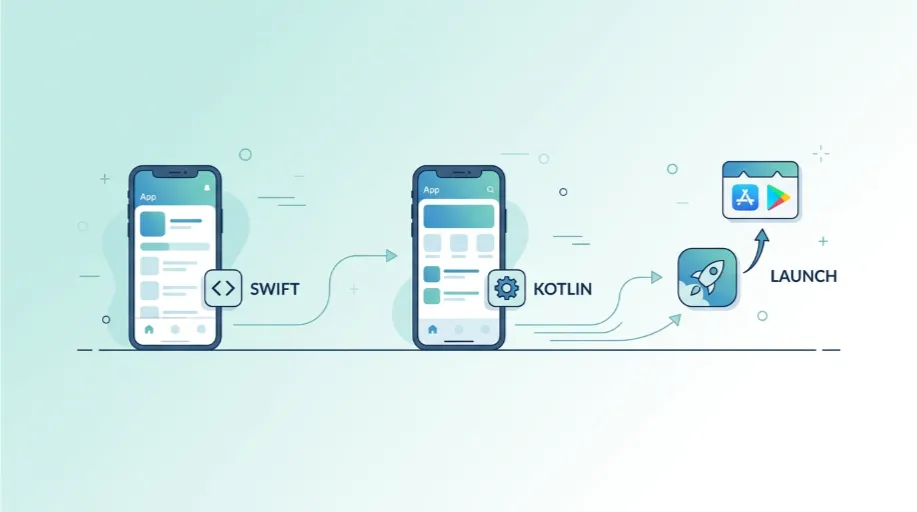
- Swift development for iOS, following Apple’s Human Interface Guidelines properly rather than approximating the look from a distance
- Kotlin development for Android, built against Material Design conventions and tested across the genuinely wide range of Android devices in circulation
- Offline sync and local storage, so an app remains useful without a connection and resolves data conflicts sensibly once one returns
- Push notifications configured natively, which work reliably rather than intermittently across different devices and operating system versions
- TestFlight testing before submission, catching issues on real devices before they become a rejection during official App Store review
- Play Store listing preparation, with every required asset and description in place correctly the first time
Each of these sounds fairly technical on its own. Together, they’re the difference between an app that genuinely works and one that quietly frustrates every user who tries to rely on it.
When a Native App Isn’t Actually the Right Call
We’d rather say this plainly than sell a native build to everyone who asks. Some projects genuinely suit a progressive web app better, particularly where installability and speed matter more than deep device integration.
Our Progressive Web App Development service covers that alternative properly, and it’s genuinely worth comparing the two before committing to native development. A PWA costs less, ships faster, and skips app store review entirely, though it trades away some of what native access provides. We’ll tell you honestly which one fits, rather than defaulting to whichever is more profitable for us to build.
Where Native Apps Connect to a Bigger System
A lot of the native apps we build don’t exist in isolation. They talk to a backend, pull data from an existing system, or need custom functionality that goes well beyond a typical off-the-shelf integration.
If your app needs a custom backend, API integration, or bespoke functionality behind the scenes, that’s a separate but closely related piece of work. Our Custom Web Application Development service covers exactly that side, and for apps with real complexity behind them, the native front end and the custom backend usually get planned together from the start rather than treated as two unconnected projects.
Who’s Actually Building Your App
It’s worth knowing who’s behind the keyboard on something this technical. A lot of agencies selling mobile app development are coordinating outsourced contractors rather than doing genuine native work in-house, which shows up eventually in how the finished app performs and how quickly issues get fixed.
Our native development work sits with a developer who’s spent years specifically in Swift and Kotlin, not a generalist stretched across a dozen different technologies. You can see more about the team actually building your app on our Meet the Team page, which matters more for something like this than for a lot of other web work, since native app quality tends to track fairly directly with genuine hands-on experience.
Getting Started Without Wasting Budget
Mobile app development works out best for businesses that are honest about scope before any code gets written. The decisions you make early, native app or PWA, iOS first or both at once, MVP or full feature set from day one, all shape your cost and timeline considerably.
Having that conversation at the outset saves far more than it costs. Set against what we see too often, a rejected app, a wasted budget, and a rebuild, the cost of talking it through properly is small.