In-Depth Guide
The Complete Guide to PWA Development
Our team has written a comprehensive guide covering technical specs, best practices, and the exact approaches we use on every project.
Progressive Web App Development: Why Customers Say No to Your App
Progressive web app development solves a problem most UK businesses have already run into: customers quietly decline when you ask them to download an app. Ask the same person to add your website to their home screen, though, and they usually have no objection at all. Progressive web apps exist to fill exactly that gap.
We have watched plenty of UK companies spend well over five figures on a native app that never reaches fifty downloads. The build cost is one thing. The real damage comes afterwards, not during. With no reviews and no downloads, the app sits on a handful of phones doing nothing, while the budget that built it is already gone.
PWA vs Native App: The Direct Comparison
Here’s the comparison UK businesses need before committing budget either way.
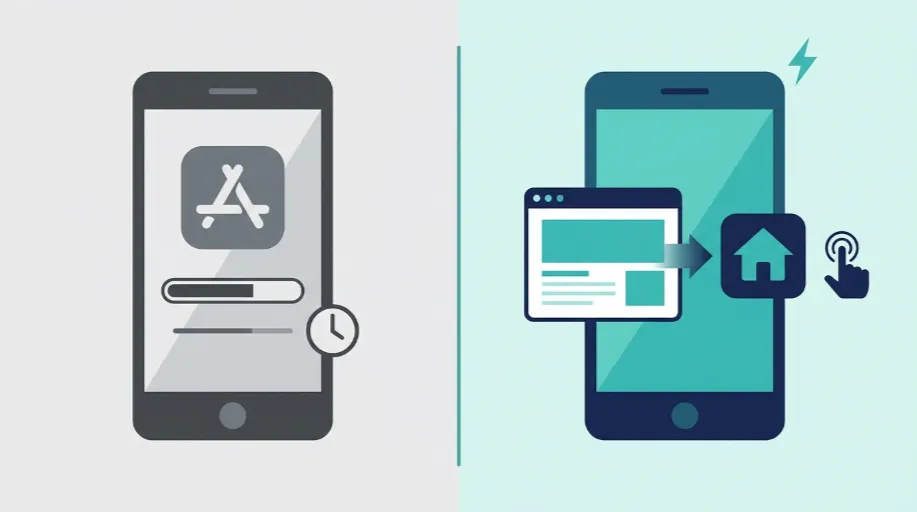
| Factor | Native App | Progressive Web App |
|---|---|---|
| Development cost | High, separate build for each platform | Lower, built on your existing website |
| App store approval | Required, can take days or get rejected | Not required, no submission process |
| Updates | Wait for store review each time | Live instantly on deployment |
| Installation | Download from app store, account often required | One tap install from browser |
| Offline access | Full, built into the platform | Available, depends on service worker setup |
| Push notifications | Fully supported | Supported on Android and, since iOS 16.4, on iOS once added to the home screen |
| Storage on device | Often 50MB or more | Typically a few MB |
| Discoverability | Only through app store search | Discoverable through normal web search too |
Native apps still earn their place for businesses needing deep hardware access, think fitness apps reading heart rate sensors, or anything relying heavily on background processing. For most service businesses and online stores though, a PWA closes the gap on user experience for a fraction of the cost.
What Actually Makes a Website Behave Like an App
A service worker is basically a small script that runs in the background, effectively independent of the web page. It allows the PWA to cache content and keep working even when the internet connection drops.
While testing on a client’s home services booking platform in Leeds, adding a well-configured service worker reduced the load time for repeat visits from around 3 seconds to under half a second. Returning customers were not reloading the page each time. They were retrieving it from cache, with the new live data layered on top.
That’s the bit people underestimate. A PWA isn’t a gimmick sitting on top of a website. It’s a genuine technical layer that changes how the site behaves once someone has visited it before.
What Goes Into a Proper PWA Build
A progressive web app isn’t one single feature. It’s a combination of several pieces working together.
- Service worker configuration that decides what gets cached, what gets refreshed, and how the app behaves offline
- Web app manifest defining the icon, splash screen, and how the app looks once installed on a home screen
- Install prompts placed at sensible points in the journey, not thrown at a visitor on their first page load
- Push notification setup so you can bring customers back without relying purely on email or paid ads
- Offline fallback pages giving visitors something useful rather than a blank browser error when connection drops
- Cross-device testing across Android and iOS, since the two platforms handle PWAs quite differently
Get any one of these wrong and the whole thing falls flat. We’ve seen sites with a technically correct service worker that nobody could actually install, simply because the manifest was misconfigured.
Built On Your Existing Site, Not a Separate Project
One thing that surprises a lot of business owners is that a PWA doesn’t mean starting from scratch. It’s added on top of a website that already exists, which is why the cost sits so much lower than native development.
If your current site needs a proper rebuild first, that’s a different conversation entirely, and it’s exactly what our website development service covers. Some clients come to us wanting a PWA when what they actually need is a solid modern site underneath it first. We’ll tell you honestly which one applies before quoting anything.
The same goes for design. If the underlying user experience needs rethinking, whether that’s navigation, checkout flow, or general usability, that sits with our Website Design service. A PWA layered on top of a confusing site just makes a confusing site load faster offline. It doesn’t fix the actual problem.
Where Hosting Fits Into the Picture
Service workers and caching strategies need a server that can handle them properly. A PWA serves cached content instantly, but it still relies on your server for live data, checkout, and account details. If those server responses are slow, the app-like experience collapses no matter how good the front end is.
This is where infrastructure matters more than most PWA guides admit. If a server already struggles under normal traffic, adding a PWA layer will not fix it — it will expose it, because customers who have been promised instant loading notice every delay that follows. Our Website Hosting and Server Management service covers exactly that layer, making sure the infrastructure behind your PWA can keep up with what you’re promising customers.
Who Genuinely Benefits From This
Not every business needs a PWA, and we’d rather be honest about that than sell you one anyway. A five page brochure site with occasional visitors gains very little from offline functionality or push notifications.
The greatest advantage belongs to businesses with repeat customers: online travel agents, shopping sites, subscription platforms, and any site whose visitors return regularly. If your customers repeatedly check stock, rebook appointments, or browse a catalogue, a PWA lets them do it more quickly and more reliably, without ever being sent to an app store first.
The test is simple. If people come back, a PWA earns what it costs. If most visitors only ever come once, it rarely does.