
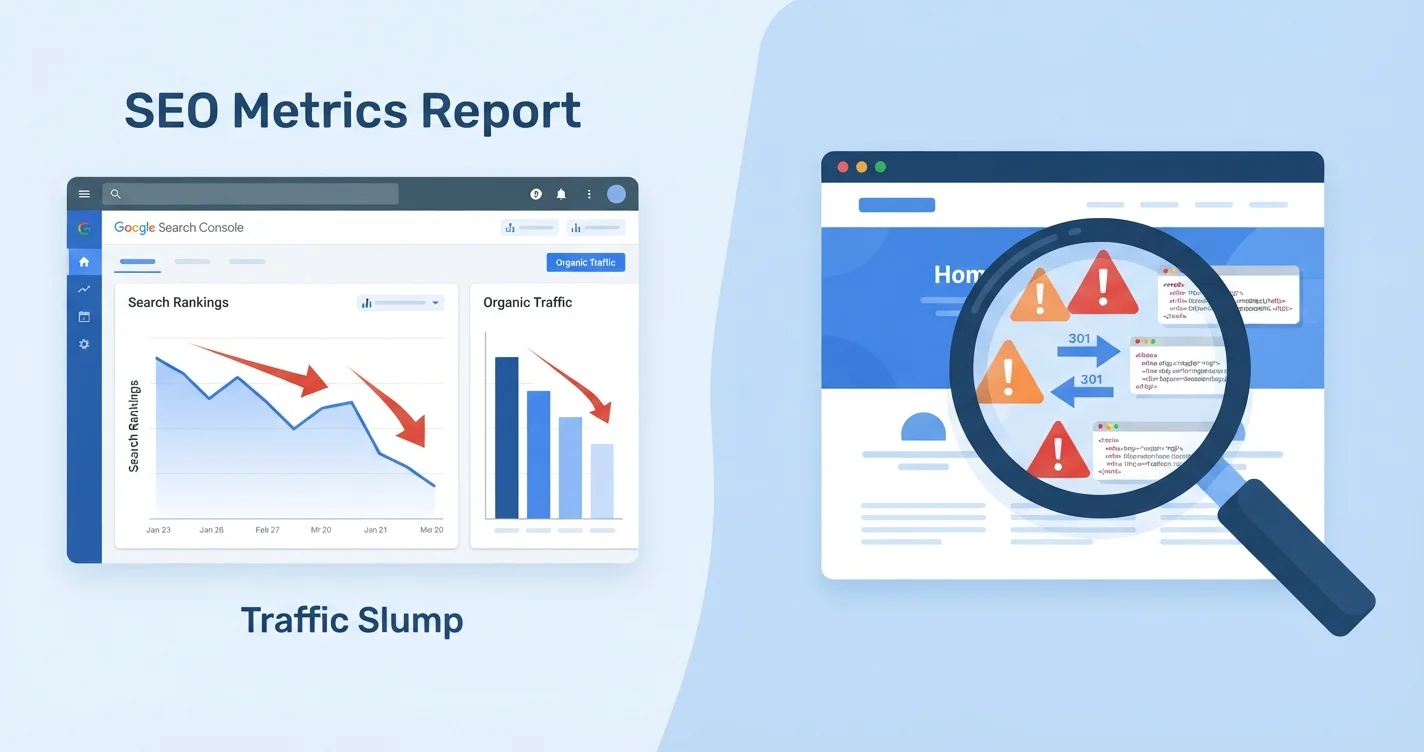
If your rankings dropped after a redesign, the cause usually traces back to a handful of preventable technical changes. Start by checking your 301 redirects, confirming noindex tags or robots.txt rules aren’t blocking search engines, and comparing your pre- and post-launch performance and indexing data in Google Search Console. For expert guidance on avoiding these pitfalls, consider professional website redesign services.
Why redesigns trigger ranking losses
A website redesign usually only costs you rankings when you let it. Most lost traffic traces back to a few preventable mistakes: changed URLs with no redirects, cut content, broken internal links, or a staging “noindex” left on at launch.
Search engines treat URLs as the identity of a page. When you change that address without telling Google where it moved, the ranking signals attached to the old URL aren’t passed on. The new URL effectively starts from scratch.
So why does this keep happening? Because redesigns are usually led by design and development teams, not SEO. Visual changes take priority, and the technical signals that kept you ranking get overlooked until traffic falls.
The first 48 hours: your diagnostic checklist
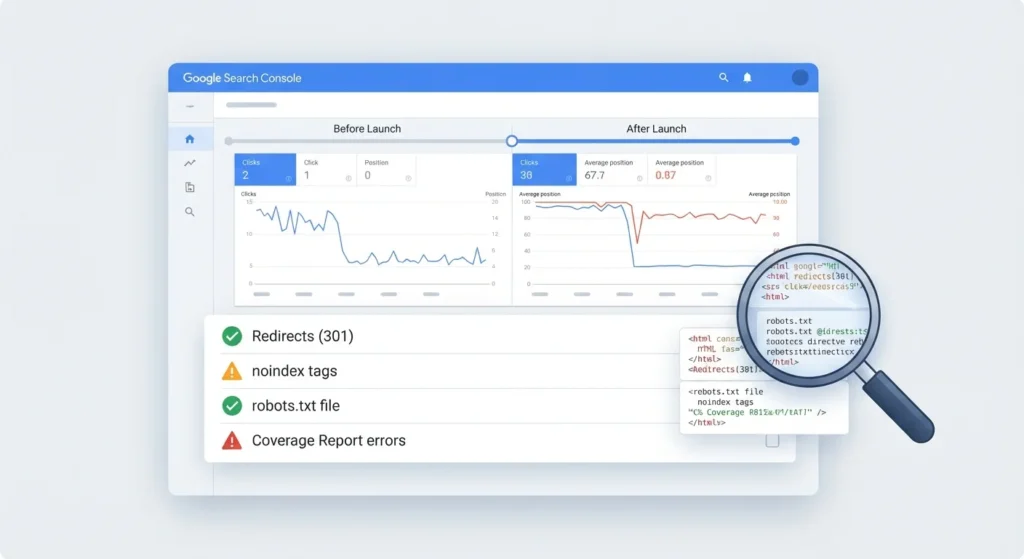
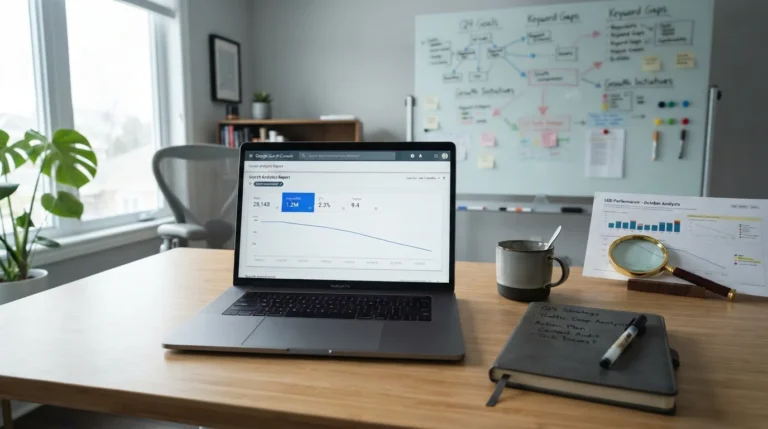
Open Google Search Console and compare the period since launch with an equal period before it. Once you have four weeks of post-launch data, compare four weeks either side of go-live. Search Console data usually runs a couple of days behind, so don’t panic over the most recent day or two. Look at four things separately: total clicks, impressions, average position, and which specific pages and queries lost the most.
If the drop lines up with your go-live date, the redesign is your prime suspect. If it started earlier, you may be chasing the wrong problem.
Next, run through these checks in order:
- Test your top 20 old URLs. Type them into a browser. Each should 301 redirect to its closest new equivalent, not to the homepage.
- Check for noindex tags. View the page source on your homepage and key landing pages. Search for “noindex”. If you find
<meta name="robots" content="noindex">on pages that should rank, this is your cause. Noindex can also be sent in an X-Robots-Tag HTTP header, which won’t appear in the source, and on WordPress the “Discourage search engines from indexing this site” setting is often left ticked after staging. - Review robots.txt. Make sure your site isn’t accidentally blocking search engines from crawling it. A single leftover rule such as
Disallow: /can stop Google crawling your entire site. - Check canonical tags and your XML sitemap. Canonicals should point to live production URLs, not the staging domain or old addresses. Your sitemap should list only the new URLs and be resubmitted in Search Console.
- Inspect indexing in Search Console. Open the Page indexing report and look for spikes in pages not indexed, specifically “Excluded by ‘noindex’ tag” or “Crawled – currently not indexed“.
The redirect map: your single most important document
One of the most common mistakes is failing to implement 301 redirects for pages that have changed URLs. This single omission can cause significant ranking loss that is difficult and time-consuming to recover from.
Before you touch the new design, build a complete inventory of your current URLs. Crawl your existing site and export every indexed URL. Note the organic traffic, the ranking keywords and the number of backlinks for each page.
Then map every old URL to the most relevant new page. Point to a page on the same topic, not lazily to the homepage. Use a 301 (permanent), not a 302 (temporary). A 302 tells Google the move is temporary, so it tends to keep the old URL as the canonical version in search results instead of consolidating signals on the new page. Redirect straight to the final URL rather than through chains, and keep redirects in place for at least a year. Google recommends this so its systems see each redirect several times.
| Issue type | What to check | Where to find it |
|---|---|---|
| Missing redirects | Old URLs return 404 or redirect to homepage | Crawl tool or manual spot-check of top 20 pages |
| Wrong redirect type | 302 instead of 301 | HTTP status checker or crawl tool |
| Redirect chains | Page A redirects to B which redirects to C | Screaming Frog or Sitebulb crawl report |
| Staging indexed | Development site appears in Google search | Search “site:staging.yourdomain.co.uk” |
| Noindex on production | Meta tag or X-Robots-Tag header blocking indexing | Page source or URL Inspection tool in GSC |
| Wrong canonical tags | Canonicals point to staging or old URLs | Crawl tool or URL Inspection tool in GSC |
Content cuts are invisible until too late
Pages removed during redesign often ranked for long-tail terms that only appear as losses weeks after launch. Teams without a pre-redesign crawl export have no baseline and frequently fail to migrate high-ranking pages because they did not know they existed.
Pull your Search Console Performance data for the last 16 months, identify the 20 to 50 pages producing most of the organic traffic, and look at what they have in common: URL structure, internal link count, content depth, schema, mobile rendering.
For each high-traffic entry page, document: title tag, meta description, H1, H2 structure, internal link count, schema coverage, and the queries driving clicks. If the new design changes them, the redesign can break rankings.
Technical performance often gets worse, not better
New designs frequently introduce heavier images, more JavaScript, and slower load times. Google’s ranking systems use Core Web Vitals, which measure loading speed, responsiveness and visual stability. Relevance still matters more, but a redesign that makes your site look better while making it slower can lose ground to competitors with similar content.
Google says it generally evaluates page experience page by page, although it also uses some site-wide assessments. Redesigns roll out new templates across many pages at once, so a single slow or high-CLS template can drag down every page built on it.
Run a Lighthouse audit on your key templates immediately after launch and compare scores to the old site. Lighthouse is lab data, so also watch the field data in PageSpeed Insights and the Core Web Vitals report in Search Console, which reflect real visitors over a rolling 28-day window. A significant regression requires immediate technical intervention.
What often gets missed: internal linking and schema
Internal links often keep pointing to old URLs. Crawl the live site, filter for 4xx and redirected internal links, and update them to point directly to the new URLs. Cross-reference the 4xx list against the pre-launch site export to identify missing redirects.
Structured data inventory matters too. Which pages have BlogPosting, Product, BreadcrumbList or other schema? Carry all of it over to the new templates, or those pages can lose eligibility for rich results such as product snippets and breadcrumbs. Note that Google stopped showing FAQ rich results in May 2026, so FAQPage markup no longer earns an enhanced listing, although leaving it in place does no harm.
Recovery timelines: what to expect
Every site is different, so treat these as rough guides rather than guarantees.
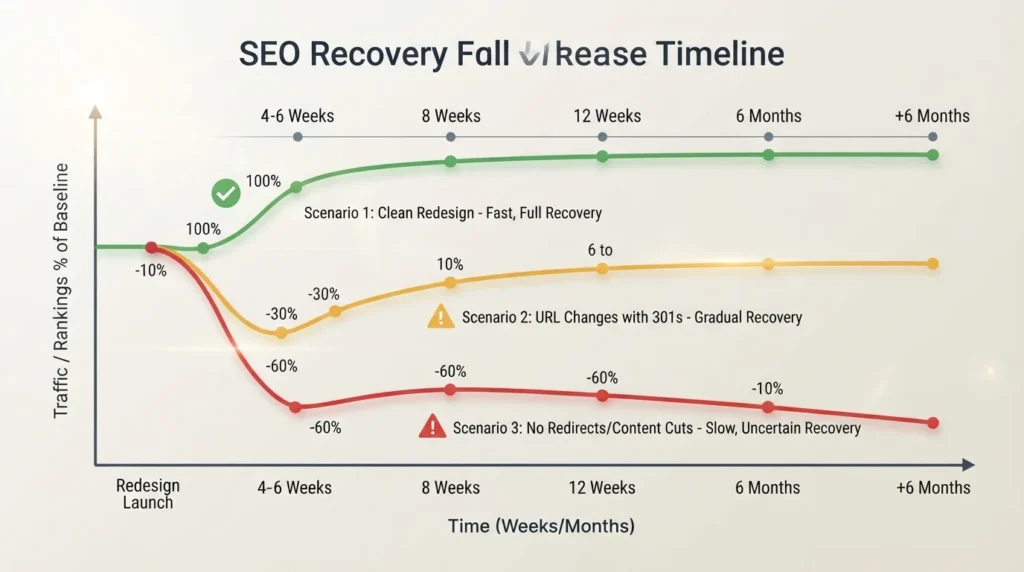
For a clean redesign where URLs are preserved, content carried over, and Core Web Vitals maintained or improved, rankings usually hold within a 10 to 20 percent band during the first few weeks and return to baseline inside 4 to 6 weeks.
For a redesign with URL changes but proper 301 mapping, plan for a 20 to 40 percent temporary dip and 6 to 12 weeks of recovery.
For a redesign without proper redirects or with content thinned out, recovery may take 6 plus months, and some rankings may never return.
As a rule of thumb, a sustained decline of more than 15 to 20 percent over two or more consecutive weeks warrants immediate investigation.
How we help with redesign recovery
If you’re based in the UK and your traffic dropped after a website relaunch, we can run a full post-redesign audit: crawl comparison, redirect completeness check, indexing review, and a prioritised fix list ranked by traffic impact. We work with businesses across London, Manchester, and Birmingham, with the aim of stabilising rankings within the first fortnight after launch.
For more on protecting visibility during major site changes, see our website migration checklist and our guide to technical SEO audits.
FAQ
How long does it take for rankings to recover after a redesign?
Recovery depends on what broke. With proper 301 redirects and preserved content, expect 4 to 12 weeks. If redirects are missing or content was deleted, recovery can take 6 months or longer, and some rankings may never return.
Should I redirect all old URLs to the homepage?
No. Redirect each old URL to its closest new equivalent on the same topic. Redirecting everything to the homepage wastes ranking signals and confuses both users and search engines, and Google may treat those redirects as soft 404s.
How do I check if my new site has noindex tags?
View the page source on your homepage and key landing pages, then search for “noindex”. Alternatively, use the URL Inspection tool in Google Search Console, which will tell you plainly whether the page can appear on Google and, if not, why.
What’s the difference between a 301 and a 302 redirect?
A 301 redirect is permanent. It tells Google the new URL should replace the old one in search results, so ranking signals consolidate there. A 302 is temporary, so Google usually keeps the old URL as the canonical version. Using 302s by mistake for permanent changes can delay or prevent signals consolidating on your new URLs.
My traffic dropped but impressions are stable. What does this mean?
If impressions are stable but clicks have fallen, the issue may be SERP layout changes rather than ranking drops. Check whether new features like AI Overviews or paid ads now appear above your result, and whether new title tags or meta descriptions from the redesign are attracting fewer clicks.
Can a Google algorithm update cause a drop at the same time as my redesign?
Yes. Cross-reference your launch date against the Google Search Status Dashboard to see if a core update rolled out at the same time. Wait at least a full week after a core update completes before analysing your site in Search Console.

Be the first to leave a comment below.