
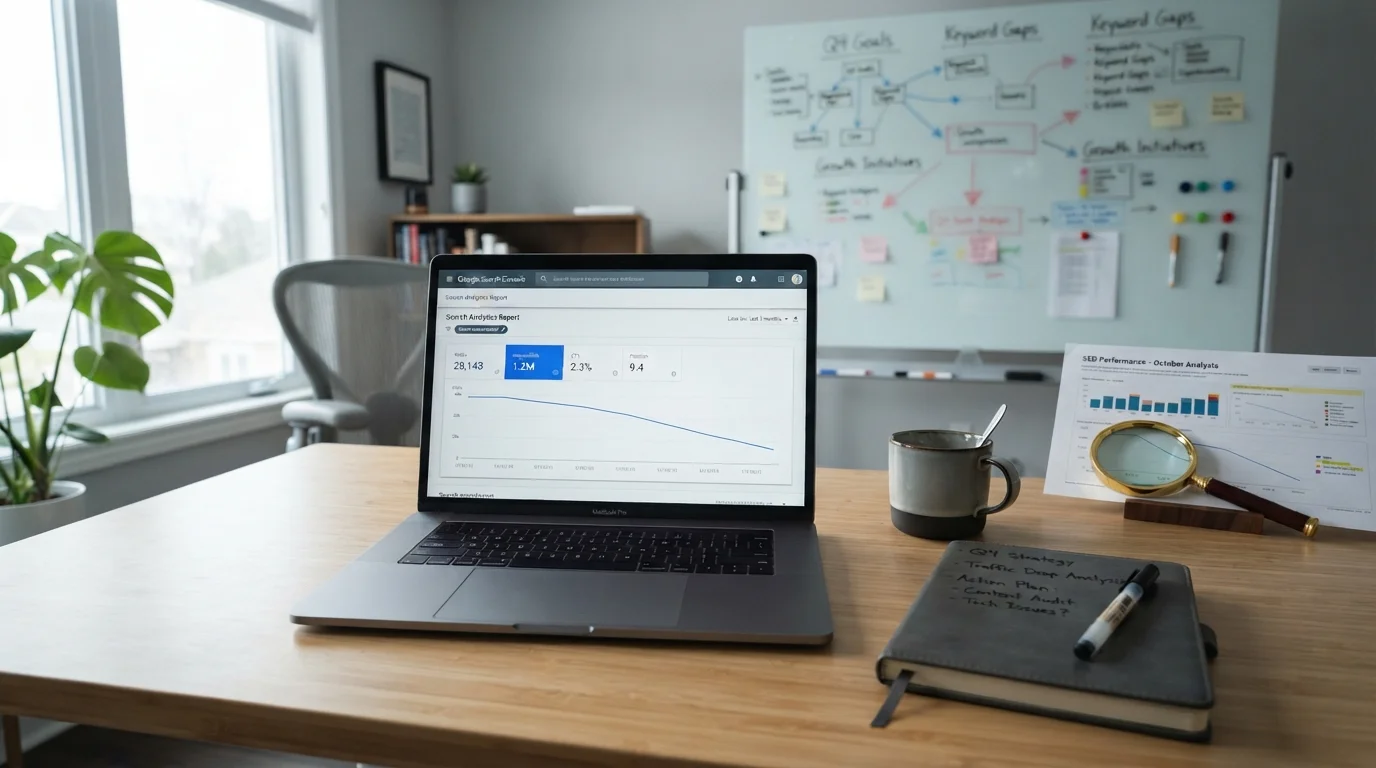
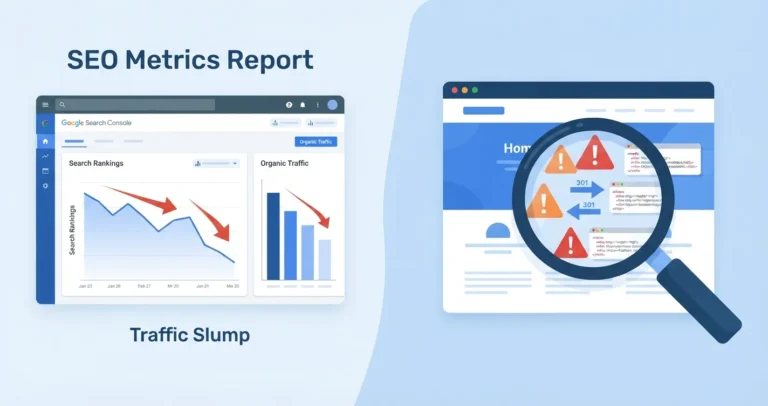
Traffic dropped after a Google update? Hold off on rewriting pages for now. Start by checking that the dip actually lines up with a confirmed update. After that, Google Search Console can show you whether the loss comes from rankings, lower search demand, technical errors, a shift in search intent or weaker click through rates. Once you have the right diagnosis, you’ll know what recovery work to do.
Watching organic traffic slide is stressful, especially when your leads, phone calls or online sales depend on it. Still, an update doesn’t automatically mean you’ve been penalised. More often, Google has simply taken another look at which pages best serve a searcher for a particular query.
You’ll feel the urge to change everything. Don’t.
First, establish what actually fell
“Traffic is down” is an observation. It isn’t a diagnosis yet.
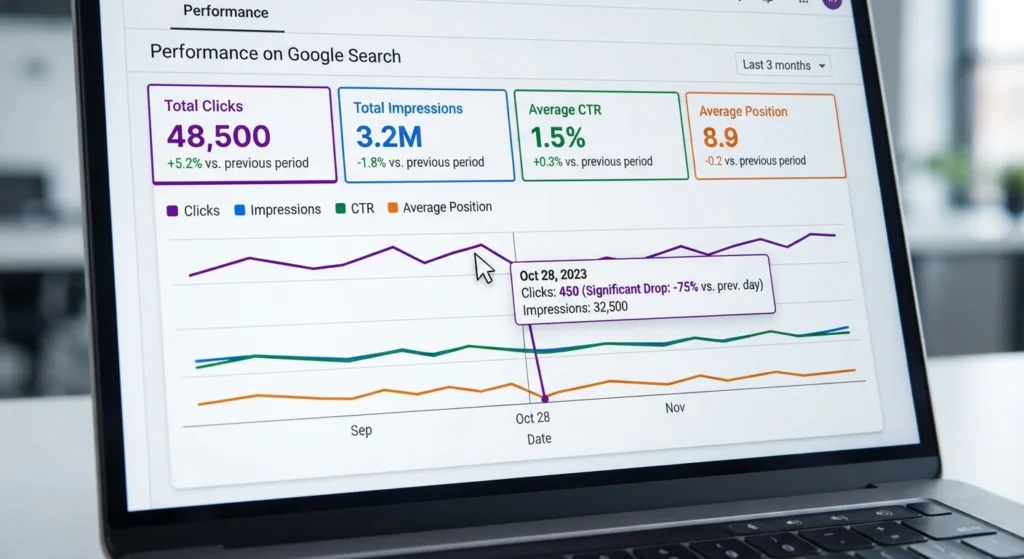
Head to the Performance report in Google Search Console. Pick a stable stretch before the drop and compare it with a period of the same length afterwards. Has a confirmed core update only just finished rolling out? Google’s own guidance on core updates suggests waiting at least a full week after the rollout completes before you analyse the data, so give the numbers time to settle.
Read these four measures side by side:
- Clicks: the number of visits Google Search actually sent you.
- Impressions: whether your pages are turning up less often.
- Average position: a rough signal that rankings have slipped. Treat it with care, though, because it’s averaged across lots of queries.
- Click through rate: whether people see your listing and then pick someone else’s.
Falling clicks with steady impressions? That may well be a click through rate problem rather than a ranking one. Competitors might now have sharper titles, better prices, visible reviews, local map listings or richer results. When impressions and clicks both drop sharply, it’s worth looking more closely at rankings, indexing, relevance and the search results themselves.
If you run a UK service business, filter by country as well. A loss limited to the UK points to a different issue than a worldwide decline. Check mobile and desktop separately too. Plenty of local searches happen on a phone, usually by someone who needs an answer fast.
Confirm the timing before blaming Google
A traffic dip and a Google update in the same month don’t prove that one caused the other.
Pull up Google’s Search Status Dashboard and note the confirmed start and end dates of the rollout. Then compare them with the exact day your impressions or clicks started falling. If the decline began a few days before the update, or weeks after it, look at other causes first.
Your own change log matters just as much. Some questions worth asking:
- Has anyone changed templates, navigation, headings, internal links, canonicals or redirects?
- Was the cookie banner, tracking setup, consent tool or analytics configuration altered?
- Did a developer deploy a robots.txt change, a noindex directive, a new CMS plugin or a JavaScript update?
- Has a key service page moved to a new URL?
- Could demand have dropped because of seasonality, a bank holiday, the weather, economic pressure or a change in how customers search?
Branded traffic is easy to overlook. When fewer people search for your company name, the cause might be weaker brand demand or a marketing change, not SEO at all. Separate branded and non branded queries before you draw any conclusions.
Use this diagnostic order
A good SEO traffic drop diagnosis starts with the quickest, most urgent checks and works towards the slower, more subjective ones.
| Order | What to check | What the pattern may mean | What to do next |
|---|---|---|---|
| 1 | Analytics and tracking | Sessions fell, but Search Console clicks held steady | Look into GA4, consent mode, tags and reporting |
| 2 | Search Console indexing | Important pages are excluded, blocked or no longer indexed | Inspect the affected URLs and fix crawl, canonical or noindex problems |
| 3 | Manual actions and security | Search Console shows a clear warning | Fix the named issue, record what you did and request a review where relevant |
| 4 | Update timing | The decline starts during a confirmed rollout | Break the loss down by page, query, device and country |
| 5 | Search results changes | Position holds steady, yet clicks fall | Review titles, intent, competing formats and any changes to the results layout |
| 6 | Page group performance | Only blog, location, service or category pages are down | Audit that section for overlap, weak intent matching and internal linking |
| 7 | Sitewide quality | Large, lasting declines hit several sections | Review usefulness, first hand expertise, trust signals and content standards across the site |
Why does the order matter? A technical failure can often be fixed quickly. A broader quality or relevance problem needs more judgement, more careful editing and, usually, more patience.
Find the losing pages and queries
Next, export the pages that lost the most clicks and impressions. Don’t start with every URL on the site. Begin with the pages that matter commercially or have lost real visibility.
Sort them by page type. A plumbing firm, for example, might separate emergency repair pages, installation services, area pages, advice articles and product pages. Patterns become much easier to spot that way.
After that, look at the affected queries.
| Query type | Example |
|---|---|
| Informational searches | “How to fix a leaking tap” |
| Commercial searches | “Boiler repair cost Manchester” |
| Local searches | “Electrician near me” |
| Branded searches | Searches for your company name |
| Searches with changed results | Queries where Google now seems to favour videos, map listings, product listings, large publishers or direct answers |
Search intent is often the missing piece. A page can be completely accurate and still underperform because it answers the wrong version of the question. Take someone searching “cost of loft conversion UK”. They probably want indicative price ranges, what affects the price, some planning context, photos of finished work and a simple way to request a survey. A vague 500 word service page will struggle to feel complete.
Rule out technical ranking drop causes
Before you treat this as a core update recovery project, inspect a sample of affected URLs. Start with your most valuable pages.
For each one, check that it’s indexable, canonicalised correctly, included in the sitemap where appropriate and returning a proper 200 status code. Look at internal links while you’re there. A service page that used to get links from the main navigation, related articles and local area pages can lose importance once those links disappear.
Keep a close eye on recent changes involving:
| Technical issue | Potential impact |
|---|---|
| Accidental noindex tags | Important pages could drop out of Google’s index |
| Incorrect canonical tags | Google might index or rank the wrong version of a page |
| Robots.txt blocks | Google may not be able to crawl important URLs |
| Redirect chains or broken redirects | Page signals and visitors might not reach the right destination |
| Removed internal links | Important pages can lose internal relevance and visibility |
| Slow mobile pages or intrusive page elements | Visitors could have a worse experience on key landing pages |
| Duplicate versions of location or service pages | Similar pages can end up competing with each other |
It isn’t rare for a core update to land at the same time as a technical problem. The dates might match perfectly, and the real cause can still be your own deployment.
Improve what the evidence names
When the loss is concentrated in one type of content, focus there. If the decline is broad and sustained across the site, step back and look at your whole publishing approach.
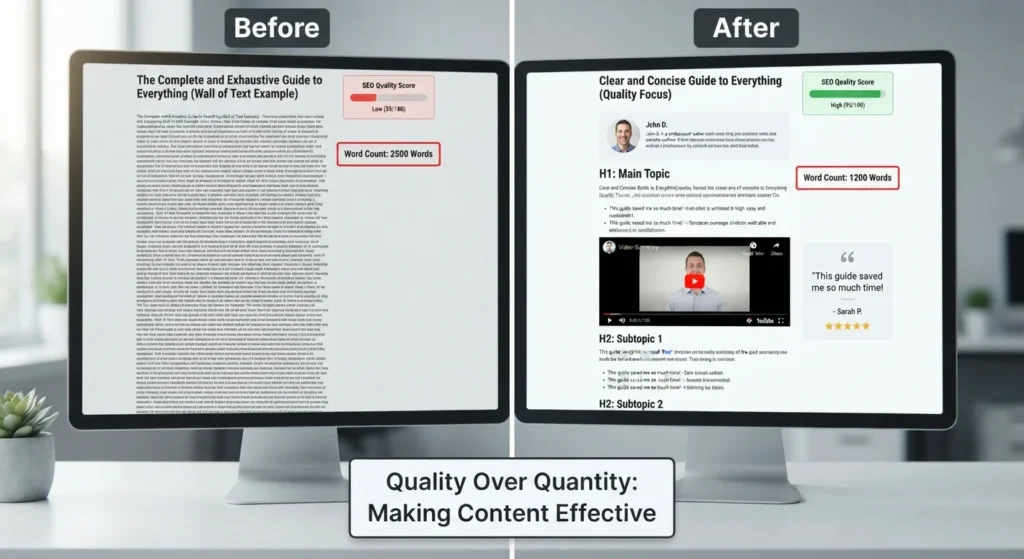
In practice, the most common mistake is rewriting a page just to make it longer. Extra length won’t fix a page that lacks real expertise, clear answers, evidence, local relevance or a reason to trust the business behind it.
Ask yourself some harder questions:
| Question | What it helps you assess |
|---|---|
| Does the page show who wrote or reviewed it, and why they’re qualified? | Expertise and accountability |
| Does it draw on real experience of delivering the service, or just general points anyone could pick up from competitor pages? | First hand experience |
| Does it answer the questions customers actually have when they’re making a decision? | Search intent and usefulness |
| Are the claims specific, current and supportable? | Accuracy and trust |
| Does the content overlap heavily with another page on the same site? | Keyword cannibalisation and duplication |
| Could a customer understand the service, the likely process, the areas covered and the next step without searching again? | Completeness and conversion value |
Low traffic on its own isn’t a reason to remove a page. That page might support a valuable service page, answer a niche question well or help a prospective customer move towards an enquiry. Only merge, redirect, improve or remove content after you’ve reviewed its purpose, links, conversions, topical role and quality.
What recovery usually looks like
Google update recovery is rarely instant. A technical fix may improve visibility once Google recrawls and processes the affected pages. Broader relevance or quality improvements can take longer, because Google has to reassess the pages and sometimes the wider site as well.
You don’t always have to wait for the next big announced update, though. Google says it also makes smaller core updates that aren’t announced, and those can reflect the improvements you’ve made.
Don’t change fifty pages at once without keeping a record. A simple log is enough: the date, URL, change made, reason and expected outcome. When you review performance later, you’ll know exactly what was tested.
Not every small ranking movement needs action. Slipping from position two to four can happen because the results page changed or a competitor improved. Falling from position four to page three across many important queries is a different situation, and it deserves a thorough review. Thinking of changing agencies? Make sure you understand your SEO contract notice periods and ownership first.
If you’d like an independent view, Web Ranko can review your Search Console data, technical health, page quality and local UK search visibility to build a practical recovery plan. The goal isn’t to chase a single update. It’s to make the site more useful, more trustworthy and more commercially effective over time.
Frequently asked questions
Why did my website traffic drop after a Google update?
Your rankings may have changed, search demand may have fallen, competitors may now match search intent better, or a technical issue may have happened at the same time. Compare clicks, impressions, position and click through rate in Google Search Console before you assume the update is the only cause.
Is a Google core update traffic drop a penalty?
Usually not. A core update is a broad reassessment of search results, not a manual penalty against one site. Check the Manual Actions section in Search Console. If nothing is listed there, focus on diagnosing relevance, content quality, technical health and changes to the results page.
How long does Google update recovery take?
Technical fixes can start to show an effect once pages are recrawled and reprocessed. Content and site quality improvements may take weeks or months. There’s no guaranteed recovery date, so measure changes over meaningful periods and don’t judge a major content improvement after just a few days.
Should I rewrite every page after a Google update?
No. Rewriting everything can remove useful information, damage pages that are still performing well and make it impossible to tell which changes helped. Prioritise pages with meaningful losses, commercial value, clear intent problems, technical faults or weak evidence of experience and trust.
Can a technical issue look like a Google algorithm update?
Yes. Incorrect noindex tags, blocked crawling, broken redirects, canonical mistakes, tracking failures and lost internal links can all cause a sudden decline. Always inspect your key URLs and recent site changes before treating the problem as a content quality issue.
What should a UK business check first after rankings drop?
Check whether the decline is UK specific, whether local service pages are affected and whether Google is showing different map results or page formats for your main searches. Then review your most valuable affected pages, your local relevance and whether your service information is still clear for customers in your area.
Be the first to leave a comment below.