
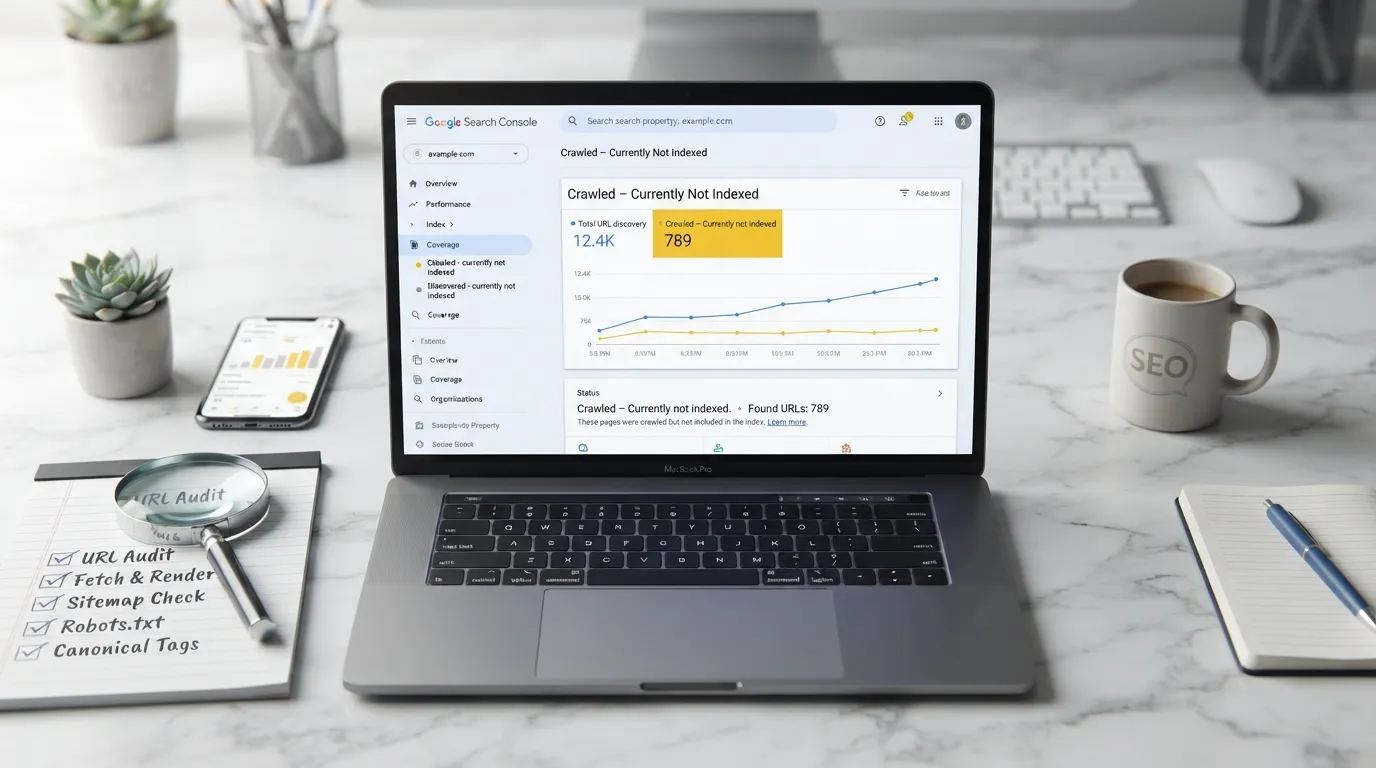
Crawled currently not indexed tells you Google has been to the page but hasn’t put it in its searchable index. That’s not automatically a technical fault. More often than not, Google has spotted a stronger alternative, doesn’t see much unique value, or simply wants more signals before it’ll show the page in search results.
Here’s the annoying part. Your page can load perfectly, sit in your sitemap, throw no obvious errors, and still stay out of Google’s index. So yes, it’s frustrating. Treat the status as a nudge to look hard at the page’s purpose and quality, though, rather than hammering “Request indexing” over and over.
What this status actually means
Think of Google Search as a pipeline with several stages. A URL gets discovered. Googlebot fetches it. After that, Google weighs up the content, how it relates to similar pages, which version is canonical and whether it’s worth keeping in the index at all.
By the time Search Console shows Crawled currently not indexed, crawling is already done. Google has seen your page. What it hasn’t done is decide to store that URL as something it might show to searchers.
Why does that distinction matter so much?
With “Discovered currently not indexed”, the page may not have been fetched yet. “Crawled currently not indexed” is a different animal, because the fetch has happened, so resubmitting a sitemap or forcing another crawl rarely touches the real problem.
Google’s own wording is worth remembering too. The page might get indexed later, or it might never be indexed. Asking for indexing doesn’t promise inclusion.
Why Google leaves pages unindexed
It’s rarely down to one isolated setting. You’ll usually find a mix of page quality, duplication and fuzzy signals about what the URL is actually for.
The content offers little new value
In practice, this one comes up more than anything else. Google might crawl a 350 word service page, a location page with a light rewrite or a generic product category, and conclude it adds almost nothing beyond what already exists on your site or elsewhere in search.
Picture a plumbing firm with a separate page for every postcode district. Swap the place name and each page reads the same. Why would Google bother indexing all of them? A local page that genuinely helps would cover service availability, response times, local constraints, the kinds of jobs you take on and the questions customers actually ask.
Padding the word count won’t fix it. What’s usually missing is original usefulness.

Google finds competing versions
Sometimes several URLs serve the same search intent even though the wording differs. Filter pages, parameter URLs, near duplicate service pages, HTTP and HTTPS versions, www and non www domains, and inconsistent trailing slashes are the usual suspects.
People often overlook one thing here. A canonical tag is a suggestion, not an order. If your internal links, redirects, sitemap entries and content similarity all point elsewhere, Google can pick a different canonical URL.
Open URL Inspection and compare your selected canonical with the one Google chose. Don’t start rewriting the page until you’ve looked into any mismatch.
The page lacks internal importance
Plenty of URLs reach Google through XML sitemaps. But a sitemap isn’t a quality certificate. It helps Google find pages, and that’s where its job ends, because nothing in it forces indexing.
Anything valuable should normally be reachable through relevant, crawlable internal links. Take an SEO audit service page. It could link naturally to an article on index coverage problems, and the article could link back with descriptive anchor text like “technical SEO audit service”.
When a page only shows up in a sitemap, a pagination sequence or your site’s search results, it can look cut off from the main structure.
The page does not satisfy the search intent
Accuracy alone isn’t enough. A page can be correct and still miss the point.
Anyone seeking help with indexing status usually wants a clear diagnosis and a sensible checklist. They do not want a definition copied from Search Console. Give them a vague explanation that wanders off into unrelated SEO advice, and the page will struggle to stand out against better ones.
If you track visibility in AI answers and search, you can use a separate benchmark. AI citation rate measurement in the UK provides it.
So ask yourself something blunt. Once a site owner finishes reading, would they know what to check next?
Wider site quality signals are weak
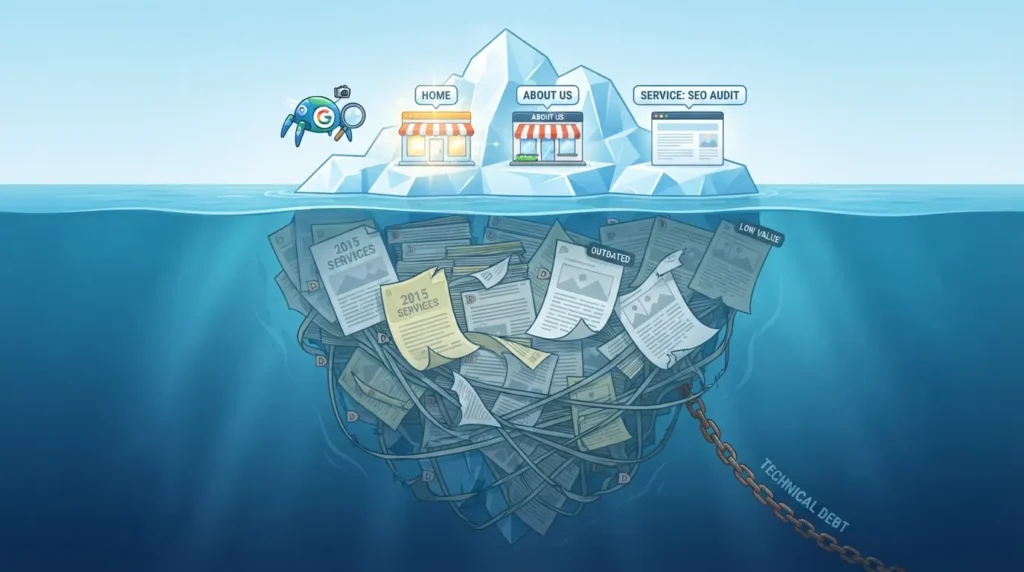
Google doesn’t judge pages in a vacuum. It looks at the wider web context, and a site carrying hundreds of thin pages, copied supplier descriptions, expired campaign pages or low value AI generated posts may find its new URLs simply aren’t prioritised.
None of that means every page has to be long or elaborate. A contact page can be short. A booking confirmation page usually shouldn’t be indexed at all. You’re not chasing maximum indexation here. You’re after intentional indexation.
A practical diagnostic process
Pick one affected URL first, then look for patterns across the rest of the report. Resist the urge to change twenty things at once, or you’ll never know which fix actually worked.
| Check | What to review | What to do |
|---|---|---|
| Indexing controls | Meta robots tag, X Robots Tag and robots.txt | Take out any noindex directive that shouldn’t be there and make sure important pages aren’t blocked |
| Canonical signals | User selected canonical versus Google selected canonical | Stick to one preferred URL across canonicals, links, redirects and sitemaps |
| Page purpose | Search intent, plus overlap with similar pages on the site | Merge, redirect or seriously improve pages fighting over the same job |
| Content value | Original expertise, evidence, clarity and usefulness | Add things a competitor can’t just copy, like process detail and your real service scope |
| Internal links | Links coming from relevant indexed pages | Place contextual links on category pages, service pages and useful articles |
| Technical access | Server responses, rendering and mobile usability | Sort out intermittent server errors, blocked resources and content hidden from rendering |
| Review timing | Last crawl date against the date of meaningful improvements | Request indexing once after substantial changes, then give Google time to recrawl |
Probably the most common slip is asking for indexing again before anything meaningful has changed. Google has already reached the page. Sending the same version back over and over won’t make it any more distinctive.
Fixes that are worth doing
Start by deciding whether the URL should be indexed at all. Internal search results, duplicate filters, thank you pages, test URLs and thin tag archives don’t belong in Google. Keep them in check with noindex, canonicalisation or sensible site architecture.
For pages you want ranking, improve them with a specific purpose in mind. Give readers something they’d struggle to find elsewhere, whether that’s a pricing explanation, a clear process, a decision guide, UK specific regulation, original imagery, an expert opinion or a detailed answer to a real customer worry.
Next, trace the internal linking path. Burying important pages six clicks deep with no contextual links pointing at them won’t do you any favours. A small business site doesn’t need a huge link network, just clear routes that match how customers actually move around.
Last of all, make sure your XML sitemap lists only canonical, indexable URLs returning a 200 status code. Strip out redirected, duplicate, blocked and noindex pages. Inclusion won’t be forced this way, but Google gets a cleaner picture of what you genuinely want considered.
Local relevance counts for UK businesses as well. Don’t churn out dozens of thin town pages just to catch nearby searches. One strong page for a real service area, backed by evidence of how you work there, tends to carry more credibility than a pile of interchangeable ones.
Webranko can review affected URLs, canonicals, internal linking and content overlap as part of a technical SEO audit. If excluded pages keep piling up, a focused review will usually do more good than a blanket resubmission campaign.
Questions people ask
Should I request indexing again?
Google says you only need to resubmit a URL after a meaningful page change. You should also resubmit it after fixing a real technical issue. Simply having this status is not a reason to resubmit, and even if you do request it, Google does not guarantee the URL will be indexed.
How long does it take for Google to index a page?
No fixed timeframe exists. Depending on the site, the page and Google’s systems, crawling and indexing can take anywhere from days to weeks. Rather than working to a deadline, put your energy into making the page useful and well connected internally.
Can duplicate content cause this issue?
Yes, it can. When several pages cover the same topic or offer nearly identical information, Google may decide another URL is the better one to index. Check which canonical Google has chosen, consolidate overlapping pages and keep your internal links pointing consistently at the preferred version.
Is this the same as a noindex tag?
No. A noindex directive actively asks search engines to keep a page out of search results. This status works differently, since Google crawled the page, didn’t necessarily find anything blocking indexation, and has simply chosen not to index it for now.
Does submitting an XML sitemap fix it?
Not on its own. A sitemap helps Google discover URLs, but it won’t make them eligible for indexation or rankings. You’ll get the most from it when it lists only canonical, accessible, useful pages that clear internal links already support.
Should I delete pages that are not indexed?
Not automatically. If a page serves visitors, supports a customer journey, or has a clear purpose, keep it. Delete, redirect or consolidate it when it’s duplicate, outdated, low value or competing with a stronger page for the same query.


Be the first to leave a comment below.