Skip to content
PWA Development

Progressive Web App Development UK App-Like Speed Without the App Store

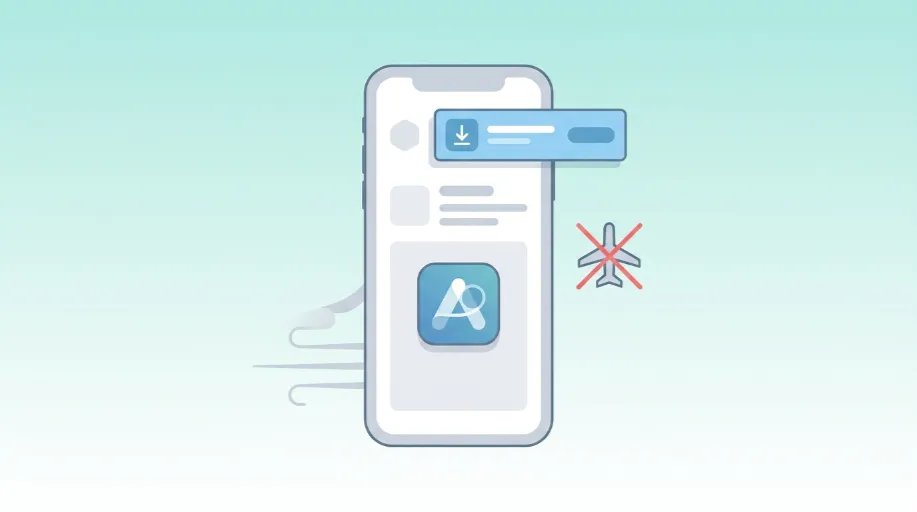
Getting a customer to install a native app is harder than it used to be. Most people simply will not go through an app store, create an account, and wait for a download, not for a business they are visiting for the first time. A progressive web app solves that problem differently. It lives on the web, loads instantly, and can still be added to a home screen, work offline, and send push notifications, without anyone touching an app store at any point. We build these on top of your existing website rather than starting a separate mobile project, which keeps cost and maintenance sensible. If you need the underlying site rebuilt or restructured first, that work sits with our Website Design service, and this page covers the app-like layer built on top of it.

Fixed-price quotes UK-based developers 90+ PageSpeed guaranteed
Web Ranko team working on PWA Development
Installable, offline capable, and built on the web you already have

The Foundation

What a progressive web app actually is, and why it is not the same as a native app

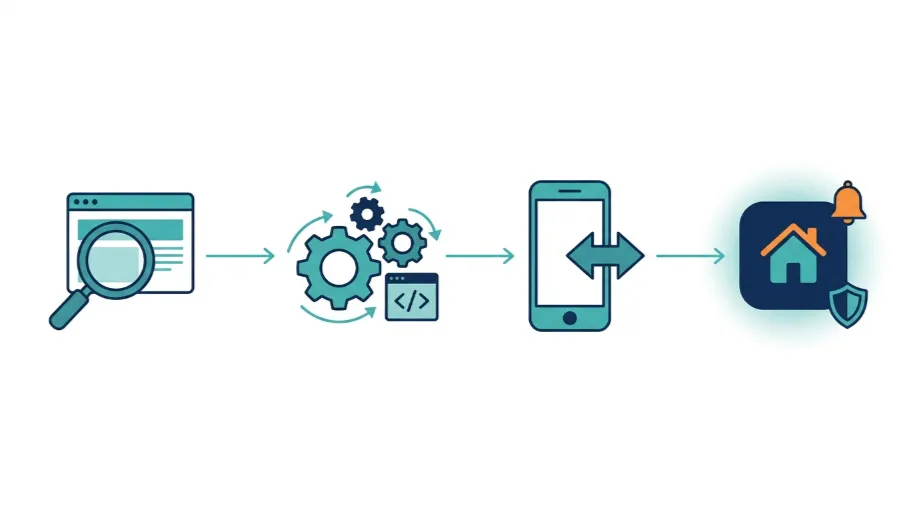
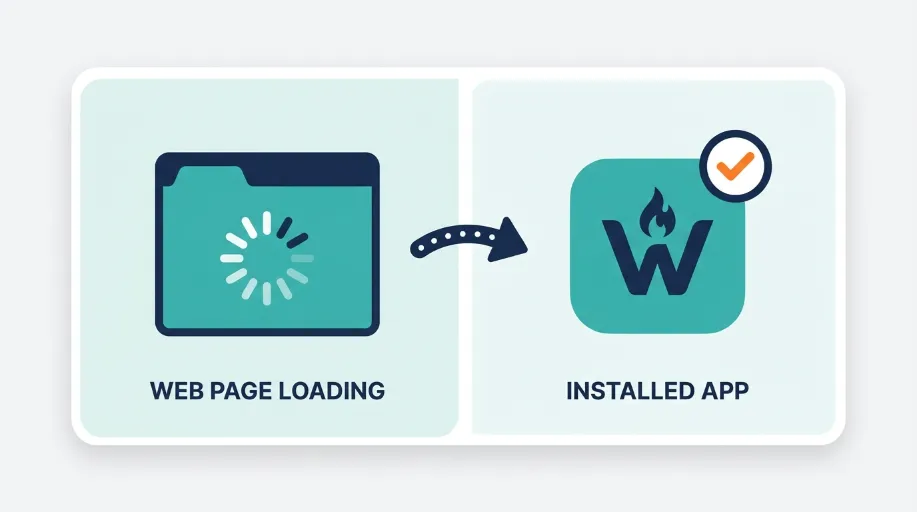
A progressive web app, usually shortened to PWA, is a website built to behave like an app without requiring an app store at any stage. It uses a service worker running in the background to cache content, which is what allows it to load instantly on repeat visits and continue working even with a poor or absent internet connection. Add it to a phone’s home screen and it opens full screen, with no browser bar visible, indistinguishable at a glance from a downloaded app. Our Website Design service builds the site itself. This service adds the technical layer that turns that finished site into something installable and offline capable.

Native apps still make sense for some businesses, particularly ones needing deep device integration such as camera access or complex background processing. For most service businesses, ecommerce stores, and content sites, a PWA gets close enough on user experience while costing a fraction of native development and avoiding app store approval delays entirely. We are honest about which businesses actually benefit. A five page brochure site rarely needs offline functionality. A booking platform or a site with repeat visitors checking updates regularly usually does.

Businesses wanting an app-like experience without native app cost
Sites with visitors on unreliable mobile connections needing offline access
| Push notifications | Fully supported | Supported on Android and, since iOS 16.4, on iOS once added to the home screen |
Content or booking platforms with regular repeat visitor traffic
Businesses that abandoned a native app project due to cost or delays
Web Ranko PWA Development specialist at work

Common issues we fix

Site becomes unusable the moment connection drops High
No way to re-engage visitors without email or paid ads Med
Mobile visitors bouncing before a page finishes loading High
No home screen presence, so repeat visits rely on memory alone Med
Native app budget spent with no measurable return High
Existing site not structured in a way that supports a service worker Med
Push notification opt-in missing, so engagement tools go unused High
App-like ambition without any technical plan behind it High

What's Included

What's Included in PWA Development

A senior developer owns your project from first line to launch. Here is exactly what you get.

PWA Feasibility and Planning

We assess whether your current site and business model actually benefit from PWA functionality, rather than building it because it sounds impressive.

  • Review of current site architecture and technical readiness
  • Assessment of which features genuinely benefit your users
  • Clear recommendation before any development work begins
  • Cost and timeline outlined honestly from the outset

Service Worker Implementation

The service worker is what makes offline functionality and instant repeat loading possible, and it needs configuring carefully around how your site actually works.

  • Service worker built and configured for your specific site
  • Caching strategy set up so content stays current, not stale
  • Offline fallback pages designed for a genuine no connection state
  • Background sync configured where the site requires it

App-Like Experience and Installation

We configure the manifest and install prompts so the site can be added to a home screen and opens without any visible browser interface.

  • Web app manifest configured with icons and splash screens
  • Install prompts set up at sensible points in the user journey
  • Full screen app-like display once installed
  • Cross device testing across Android and iOS browsers

Push Notifications

Push notifications let you re-engage visitors directly, without relying entirely on email open rates or paid advertising to bring people back.

  • Push notification opt-in configured within the app experience
  • Notification delivery set up across supported browsers and devices
  • Segmentation considered so notifications stay relevant, not spammy
  • Testing across real devices before going live

Performance and Offline Testing

A PWA is only as good as its offline behaviour, so we test thoroughly under real world poor connection conditions before calling it finished.

  • Testing under throttled and offline network conditions
  • Lighthouse and Core Web Vitals scoring reviewed against benchmarks
  • Cross browser compatibility checked across major platforms
  • Real device testing, not simulator results alone

Ongoing PWA Support

Browsers and platform requirements around PWAs continue changing, so we keep the implementation current rather than treating it as a one-time build.

  • Monitoring for browser and platform specification changes
  • Service worker updates as caching needs evolve
  • Support available as new features are added to the app
  • Periodic review of installation and engagement performance

Why It Matters

Why UK Businesses Choose Webranko for PWA Development

A progressive web app should solve a genuine problem, not just tick a technology box. We build them around what actually improves how customers experience your site, tested properly rather than assumed to work.

Web Ranko development team
Get a free PWA Development audit

Built On What You Already Have

PWAs are added to your existing website rather than built as a separate project, keeping cost and maintenance realistic.

Genuinely Tested Offline

Offline functionality is tested under real poor connection conditions, not just assumed to work because a service worker is present.

No App Store Delays

There is no submission process or approval wait, changes go live the moment they are deployed to your site.

Honest Fit Assessment

We tell you plainly if a PWA is not the right investment for your business, rather than selling one regardless.

Senior Technical Delivery

Implementation is handled by developers who understand service workers and caching properly, not a plugin bolted onto a theme.

How We Work

How Webranko Handles PWA Development

A structured process that starts with an honest feasibility check, so the final build genuinely fits how your customers use your site.

Web Ranko development team at work
Senior developers. Fixed-price. No surprises.
Week 1

Feasibility and Planning

We review your site and business model to confirm whether PWA functionality genuinely benefits your users before anything is built.

Week 2

Service Worker and Caching Setup

The core technical foundation is built, covering offline functionality and the caching strategy that makes repeat visits load instantly.

Week 3

Installability and App Experience

The manifest, icons and install prompts are configured so the site can be added to a home screen and behave like a native app.

Week 4

Testing Across Devices and Conditions

The build is tested thoroughly offline, on throttled connections, and across real devices before anything is signed off.

Ongoing

Monitoring and Updates

We monitor performance and platform changes after launch, keeping the PWA current as browser requirements evolve.

Real Results

What Happens After PWA Development

35+ Years' Combined Senior Developer Experience
4x 2x average increase in repeat visits
4wk Typical PWA Development Timeline
48hr 24hr average query response
90+ PageSpeed
Chloe Ramsden

We looked into building a native app for over a year and the quotes kept coming back too high to justify. Webranko built a progressive web app on top of our existing site instead, and customers can now install it, get notified about restocks, and browse offline in store. It cost a fraction of what we were quoted for a native build.

Chloe Ramsden Founder, Ramsden & Co Homeware

In-Depth Guide

The Complete Guide to PWA Development

Our team has written a comprehensive guide covering technical specs, best practices, and the exact approaches we use on every project.

Progressive Web App Development: Why Customers Say No to Your App

Progressive web app development solves a problem most UK businesses have already run into: customers quietly decline when you ask them to download an app. Ask the same person to add your website to their home screen, though, and they usually have no objection at all. Progressive web apps exist to fill exactly that gap.

We have watched plenty of UK companies spend well over five figures on a native app that never reaches fifty downloads. The build cost is one thing. The real damage comes afterwards, not during. With no reviews and no downloads, the app sits on a handful of phones doing nothing, while the budget that built it is already gone.

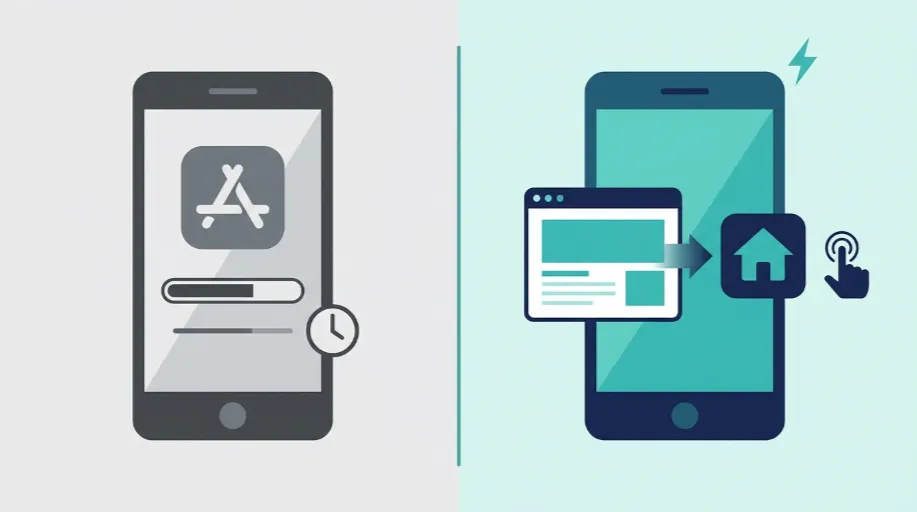
PWA vs Native App: The Direct Comparison

Here’s the comparison UK businesses need before committing budget either way.

Factor Native App Progressive Web App
Development cost High, separate build for each platform Lower, built on your existing website
App store approval Required, can take days or get rejected Not required, no submission process
Updates Wait for store review each time Live instantly on deployment
Installation Download from app store, account often required One tap install from browser
Offline access Full, built into the platform Available, depends on service worker setup
Push notifications Fully supported Supported on Android and, since iOS 16.4, on iOS once added to the home screen
Storage on device Often 50MB or more Typically a few MB
Discoverability Only through app store search Discoverable through normal web search too

Native apps still earn their place for businesses needing deep hardware access, think fitness apps reading heart rate sensors, or anything relying heavily on background processing. For most service businesses and online stores though, a PWA closes the gap on user experience for a fraction of the cost.

What Actually Makes a Website Behave Like an App

A service worker is basically a small script that runs in the background, effectively independent of the web page. It allows the PWA to cache content and keep working even when the internet connection drops.

While testing on a client’s home services booking platform in Leeds, adding a well-configured service worker reduced the load time for repeat visits from around 3 seconds to under half a second. Returning customers were not reloading the page each time. They were retrieving it from cache, with the new live data layered on top.

That’s the bit people underestimate. A PWA isn’t a gimmick sitting on top of a website. It’s a genuine technical layer that changes how the site behaves once someone has visited it before.

What Goes Into a Proper PWA Build

A progressive web app isn’t one single feature. It’s a combination of several pieces working together.

  • Service worker configuration that decides what gets cached, what gets refreshed, and how the app behaves offline
  • Web app manifest defining the icon, splash screen, and how the app looks once installed on a home screen
  • Install prompts placed at sensible points in the journey, not thrown at a visitor on their first page load
  • Push notification setup so you can bring customers back without relying purely on email or paid ads
  • Offline fallback pages giving visitors something useful rather than a blank browser error when connection drops
  • Cross-device testing across Android and iOS, since the two platforms handle PWAs quite differently

Get any one of these wrong and the whole thing falls flat. We’ve seen sites with a technically correct service worker that nobody could actually install, simply because the manifest was misconfigured.

Built On Your Existing Site, Not a Separate Project

One thing that surprises a lot of business owners is that a PWA doesn’t mean starting from scratch. It’s added on top of a website that already exists, which is why the cost sits so much lower than native development.

If your current site needs a proper rebuild first, that’s a different conversation entirely, and it’s exactly what our website development service covers. Some clients come to us wanting a PWA when what they actually need is a solid modern site underneath it first. We’ll tell you honestly which one applies before quoting anything.

The same goes for design. If the underlying user experience needs rethinking, whether that’s navigation, checkout flow, or general usability, that sits with our Website Design service. A PWA layered on top of a confusing site just makes a confusing site load faster offline. It doesn’t fix the actual problem.

Where Hosting Fits Into the Picture

Service workers and caching strategies need a server that can handle them properly. A PWA serves cached content instantly, but it still relies on your server for live data, checkout, and account details. If those server responses are slow, the app-like experience collapses no matter how good the front end is.

This is where infrastructure matters more than most PWA guides admit. If a server already struggles under normal traffic, adding a PWA layer will not fix it — it will expose it, because customers who have been promised instant loading notice every delay that follows. Our Website Hosting and Server Management service covers exactly that layer, making sure the infrastructure behind your PWA can keep up with what you’re promising customers.

Who Genuinely Benefits From This

Not every business needs a PWA, and we’d rather be honest about that than sell you one anyway. A five page brochure site with occasional visitors gains very little from offline functionality or push notifications.

The greatest advantage belongs to businesses with repeat customers: online travel agents, shopping sites, subscription platforms, and any site whose visitors return regularly. If your customers repeatedly check stock, rebook appointments, or browse a catalogue, a PWA lets them do it more quickly and more reliably, without ever being sent to an app store first.

The test is simple. If people come back, a PWA earns what it costs. If most visitors only ever come once, it rarely does.

FAQ

PWA Development questions, answered honestly

WordPress development raises a lot of questions. Here are the most common ones — answered honestly, without the jargon.

Ask us anything
What is a progressive web app ?

A progressive web app is a website built to behave like a native app, using a service worker to enable offline access, instant repeat loading, and home screen installation, all without going through an app store.

Is a PWA cheaper than building a native app ?

Usually, yes. A PWA is built on top of your existing website rather than as a separate mobile project, which keeps development cost significantly lower than a native iOS and Android build, with no app store fees involved.

Can a progressive web app work without internet access

Yes, to an extent. A service worker caches key content and pages, so previously visited parts of the site remain accessible offline. Full offline functionality depends on how the app is configured during development.

Do customers need to download anything from an app store ?

No. A PWA is installed directly from the browser using an install prompt, adding an icon to the home screen. There is no app store listing, submission process, or approval wait involved at any stage.

Will a PWA work on both Android and iOS ?

Yes, though support varies slightly between browsers. Android generally offers fuller PWA support including push notifications, while iOS has improved significantly but still has some platform specific limitations worth checking during planning.

How long does PWA development take ?

A typical PWA build takes around four weeks when added to an existing site, covering service worker setup, installability, testing and push notifications. Timelines extend for more complex platforms with additional custom functionality.

Start today

Stuck Between App Store Cost and a Slow Mobile Site

A native app is expensive and slow to approve. A slow mobile site loses customers before they see what you offer. A progressive web app sits between the two, and it might be exactly what your business needs.

What's in your free consultation

Delivered in 48 hours by a senior developer.

Honest feasibility assessment before any development begins
Clear pricing with no app store fees or approval delays
Offline functionality tested under real world conditions
Ongoing support as browser and platform requirements change