

In-Depth Guide
The Complete Guide to Security Monitoring
Our team has written a comprehensive guide covering technical specs, best practices, and the exact approaches we use on every project.
Website security is not something that most business owners bother about until it is too late. A homepage with nasty graffiti, Google blacklist warning, hosting provider suspending account overnight. The cleanup is costly, but by then it’s already a done deal.
Monitoring is designed to detect issues ahead of time; not afterward.
What Website Security Monitoring Actually Covers
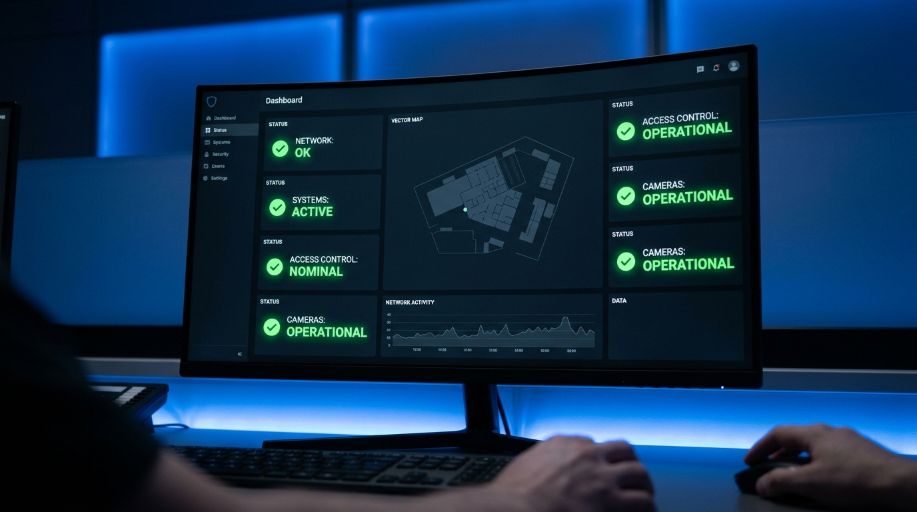
Website security monitoring is the automated monitoring of a site’s files traffic and uptime, with alerts fired off when things go awry. Monitoring tools keep an eye on your site 24/7, flagging suspicious activity as it occurs.It’s better than preparing for a scheduled audit, which could take weeks before any issues are uncovered.Finding out about site problems through customers is also not ideal.Your business has time to respond before damage occurs.
Why UK Businesses Underestimate This
We have taken over WordPress sites where malware lay undetected for weeks. It pasted spam links stealthily. It also sent some mobile traffic to an another domain. Nobody caught on, as the homepage still loaded fine and nothing broken appeared visible.
The issue specifically comes with the security threats of WordPress. Many do not announce. The visible symptoms of a breach tend to show up long after the breach occurred. Therefore, uptime & security monitoring exists because this has always been the case.
Core Components of a Proper Monitoring Setup
A monitoring service worth paying for covers several distinct layers, not just one alert type.
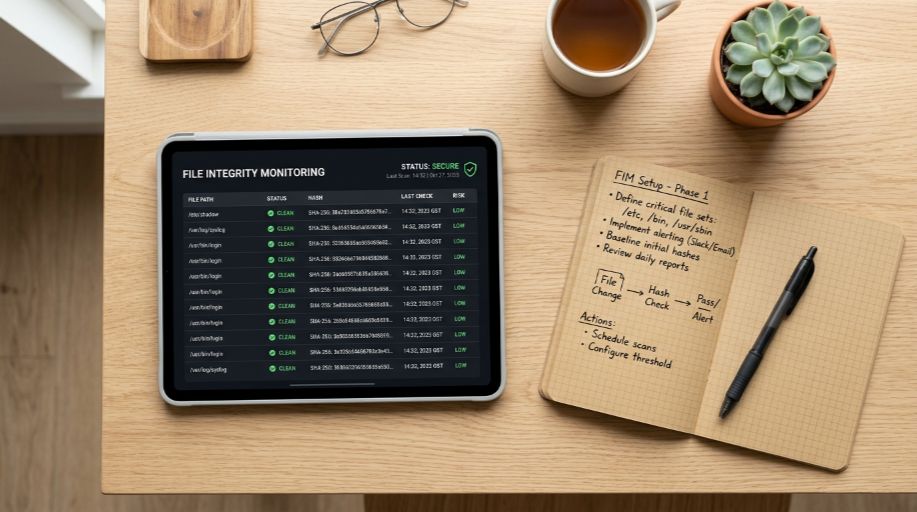
- File change alerts, flagging when core files, plugins, or themes get modified outside a scheduled update
- Intrusion detection, watching for unusual login attempts, brute force patterns, and suspicious admin activity
- Blacklist monitoring, checking whether Google, Norton, or other authorities have flagged the domain
- Uptime tracking, confirming the site is actually reachable and responding correctly at all times
Skip any one of these and there’s a genuine gap. A site can pass uptime checks perfectly fine while quietly serving malware to a portion of its visitors, which is exactly why file change alerts and blacklist checks need to run alongside basic availability monitoring, not instead of it.
How Real Time Detection Changes the Outcome
The difference between catching an issue in minutes versus discovering it weeks later isn’t small. A file change alert firing the moment an unauthorised script gets injected means removal happens before search engines index the compromised page, before customers encounter a warning screen, before a blacklist listing tanks organic traffic.
In our experience running monitoring across UK client sites, threats caught within the first hour rarely cause lasting SEO damage. Threats left undetected for weeks almost always do, and recovering rankings after a blacklist listing takes considerably longer than the incident itself.
Monitoring vs a One Off Security Audit
These two get confused often enough that it’s worth spelling out plainly.
| Aspect | Ongoing Security Monitoring | One Off Security Audit |
|---|---|---|
| Timing | Continuous, 24/7 | Single point in time |
| Purpose | Catches new threats as they happen | Assesses current state and existing vulnerabilities |
| Best used | As standard ongoing protection | Before launch, after an incident, or periodically |
| Response speed | Real time alerts | Findings delivered after the audit completes |
A website security audit tells you where things stand right now. Monitoring tells you the moment something changes after that. Most businesses genuinely need both, an audit to establish a clean baseline, then monitoring to keep it that way.
What Happens When Monitoring Catches Something
Detection alone isn’t the finish line. When an alert fires, response speed matters just as much as the initial catch. Our SOC monitoring process flags the issue, confirms whether it’s a genuine threat or a false positive, and moves straight into containment if needed.
For sites already compromised before monitoring was in place, that work sits under our dedicated website malware removal service, cleaning infected files, closing the entry point, and confirming the site’s clean before it goes back live.
Try Our Threat Exposure Checker
Imagine a short tool where you enter your domain, and it runs a quick surface-level check, confirming whether your site currently appears on any major blacklist, checking SSL status, and flagging obviously outdated plugin versions visible from the frontend. It gives business owners a fast, honest snapshot of exposure before committing to a full monitoring setup.
Setting Realistic Expectations
Monitoring reduces risk considerably. It doesn’t eliminate it entirely, and any provider claiming otherwise isn’t being straight with you. New vulnerabilities get discovered constantly, and no system catches everything the second it happens.
What monitoring genuinely delivers is speed. The gap between a threat appearing and a business finding out about it shrinks from weeks to minutes, and that gap is usually what decides whether an incident becomes a minor fix or a genuine crisis.
At webranko, we treat monitoring as standard practice for sites we manage ongoing, rather than an optional extra bolted on after something’s already gone wrong.